A coach’s match is created by a two-page wizard: players first, then rules.
The short version
Press New Match, give the match a title, pick the players and press Next. The rules on the second page are already right for a normal match, so press Create and start scoring.
Before you start
Who it is forCoach
You need at least one player on each side. Pick them from your athlete list or type a name straight into the wizard.
Start a match
The Matches page has a New Match button. Below it sits one way in, Record a match of your own:
The players can be anyone; pick from the players you already have, or type a name to add someone here.
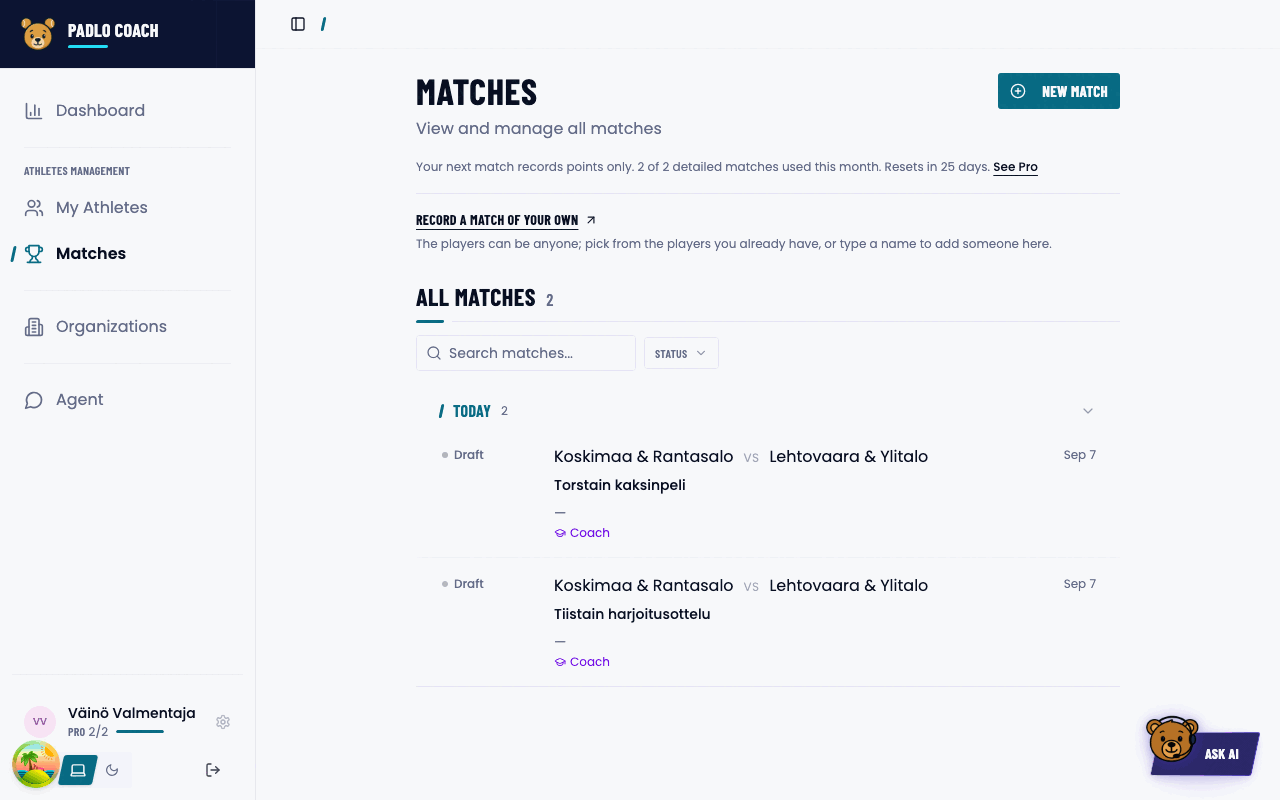
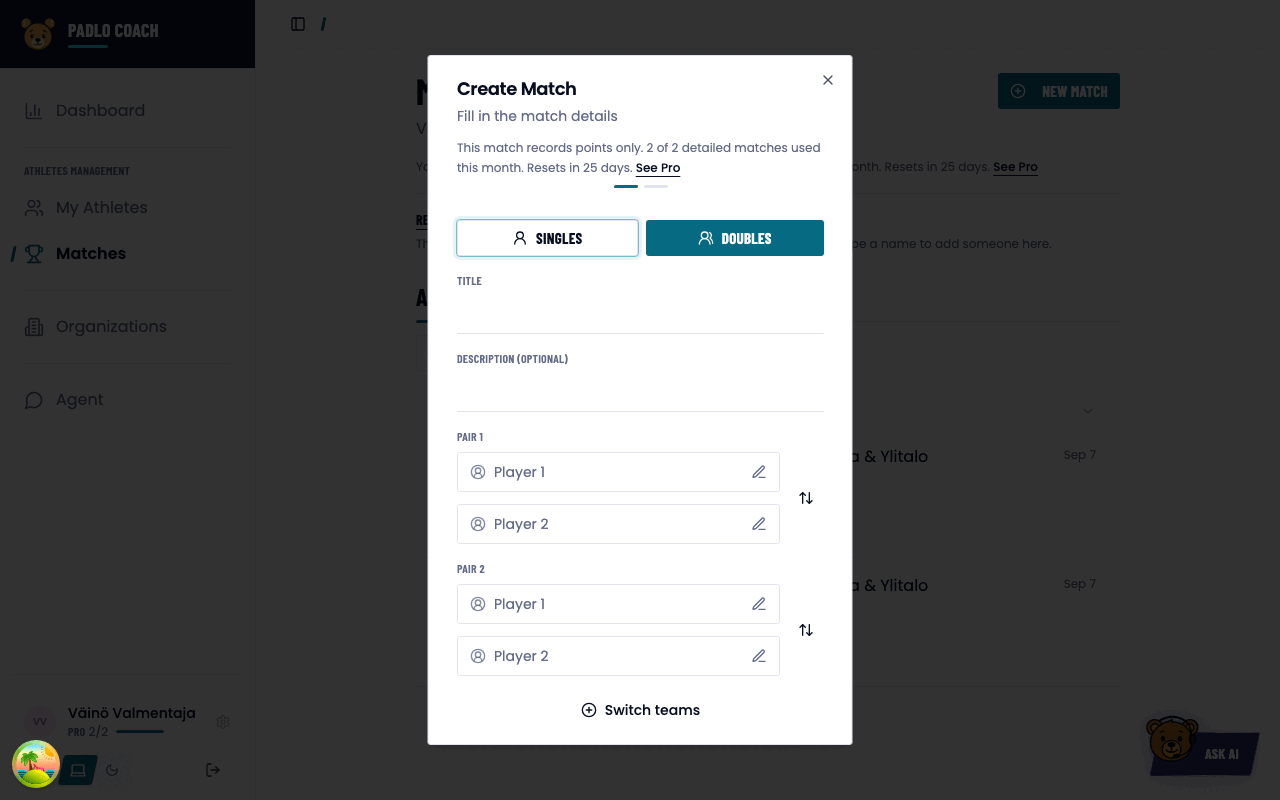
Wizard page 1: players
- Press New Match. The dialog Create Match opens.
- Type a Title. It is required. The description is optional.
- Pick players into Pair 1 and Pair 2. Switch teams swaps the sides.
- Press Next.
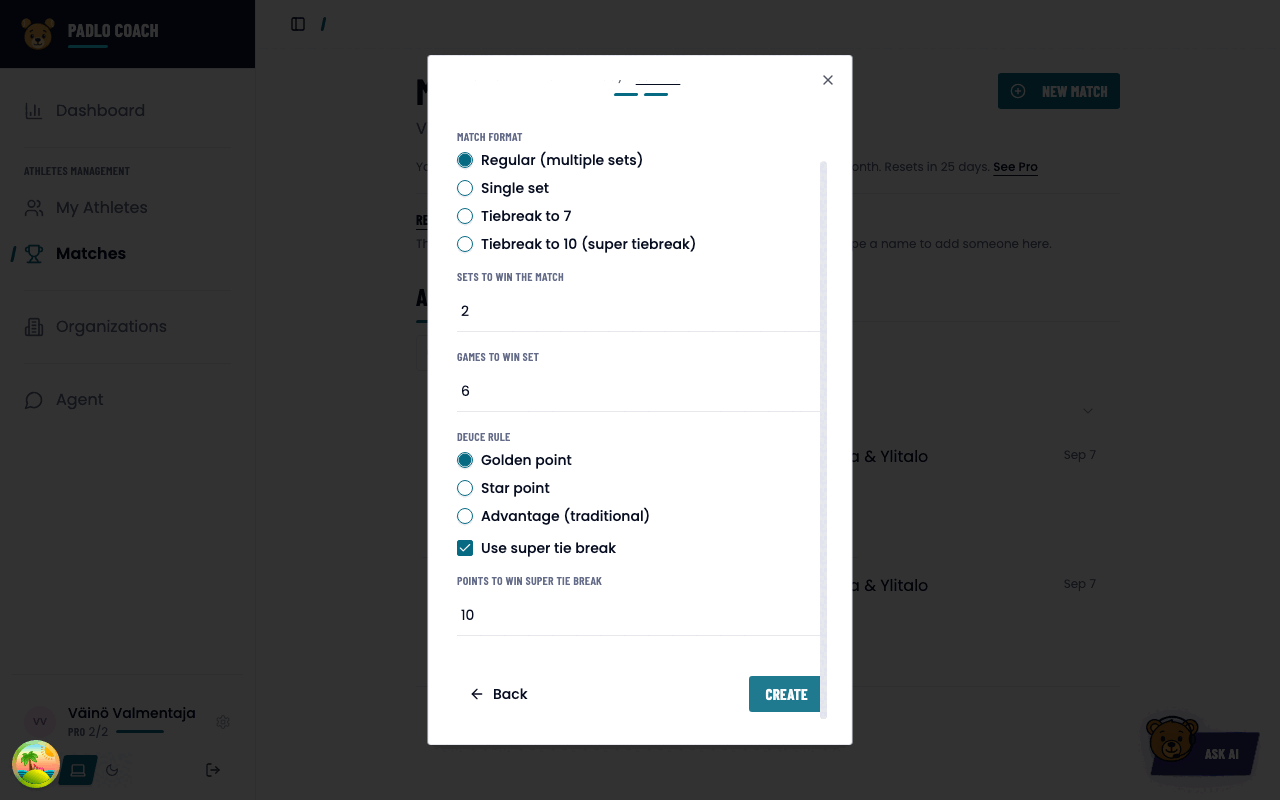
Wizard page 2: rules
Nothing here has to be changed. Padlo starts from the standard rules: Regular, two sets, six games, Golden point and a super tiebreak played to 10. Press Create and Padlo takes you straight to the new match.
Every match format
- Choose the Match format: Regular (multiple sets), Single set, Tiebreak to 7 or Tiebreak to 10 (super tiebreak).
- For Regular, set Sets to win the match, default 2. Set Games to win set, default 6.
- Choose the Deuce rule: Golden point (default), Star point or Advantage (traditional).
- Check that Use super tie break is on, played to 10 points.
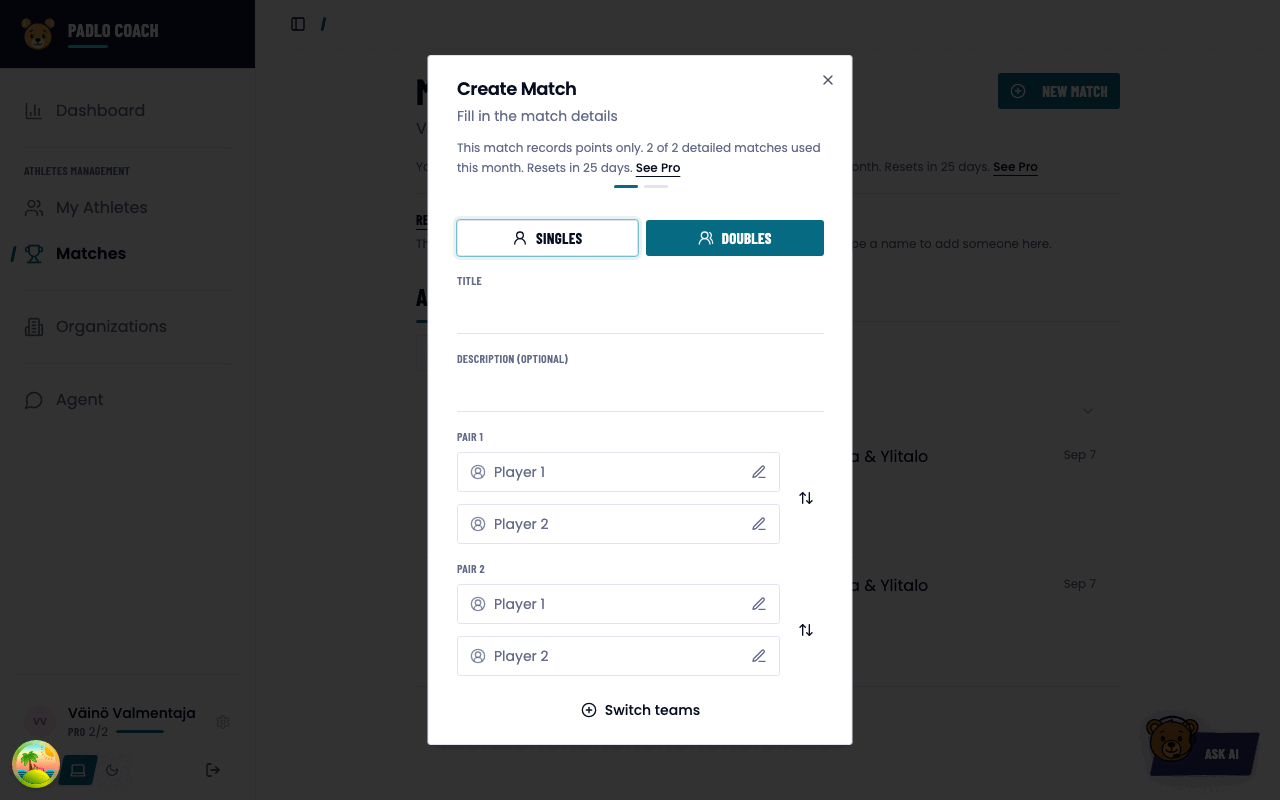
Detailed matches this month
One line in the wizard tells you what this match will record. On a free account the first two matches of the month read:
This match records full shot detail. 0 of 2 detailed matches used this month.
Once the month’s two detailed matches are spent, the line changes:
This match records points only. 2 of 2 detailed matches used this month. Resets in N days. See Pro
The same figure sits under your name at the bottom of the left menu. On a free account it reads FREE 0/2, and on Pro it reads PRO ∞.
Continuing an abandoned match
An unfinished match stays on the Matches list. One with no points yet reads Draft. Reopen it and carry on. Continuing does not spend the monthly allowance again.
Trouble?
The line says “points only” although the month just started. Check the counter at the bottom of the left menu. It resets when the calendar month turns.
I don’t see Record a practice match. It belongs to the league product and needs a team.
Next doesn’t advance. The wizard validates the Title field and the first player on each side. A missing field turns red.
Where do I choose the scoring mode? Nowhere in match creation. The server decides the ceiling, and your own default lives in Settings.