Padlo records every ball. The Scoring mode decides how much it asks about one ball.
The short version
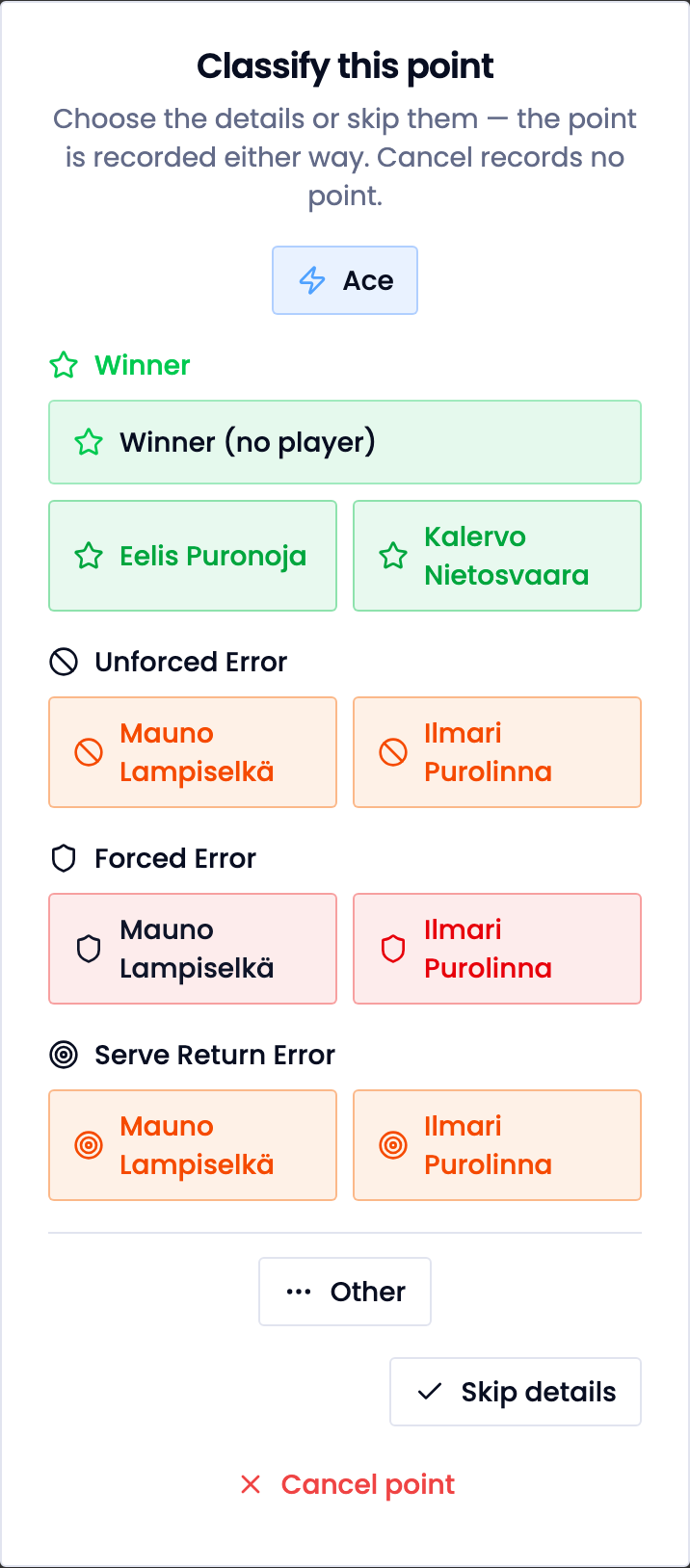
Simple is on to begin with, and it is enough for most people: one tap records who won the point and how. If you want Padlo to ask for more, change the mode in Settings later.
Before you start
Who it is forPlayerCaptainCoach
- You need a Padlo account.
- A match’s ceiling is decided by the server when the match is created. It cannot be raised afterwards.
Three modes
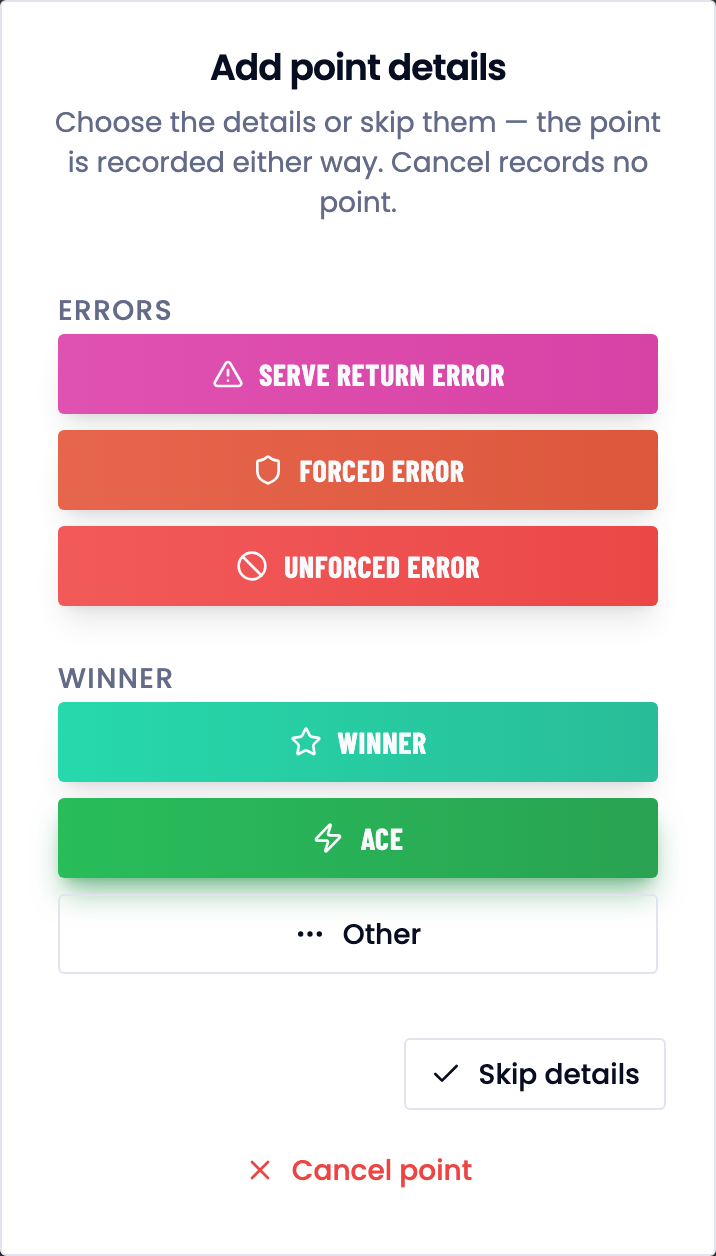
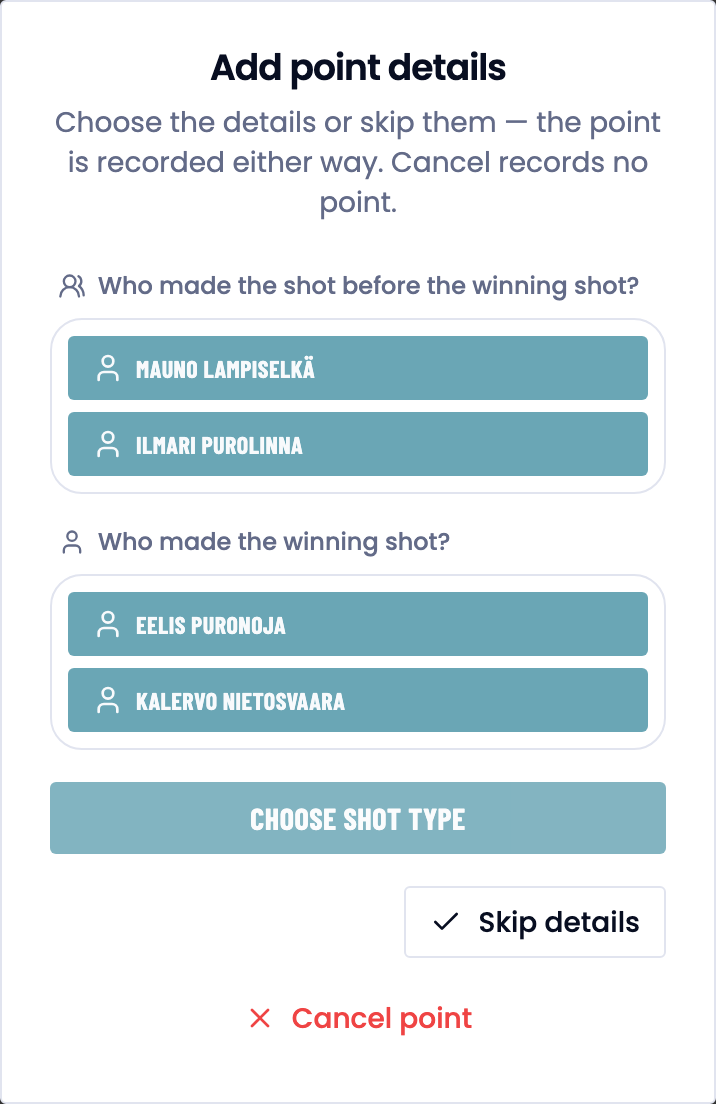
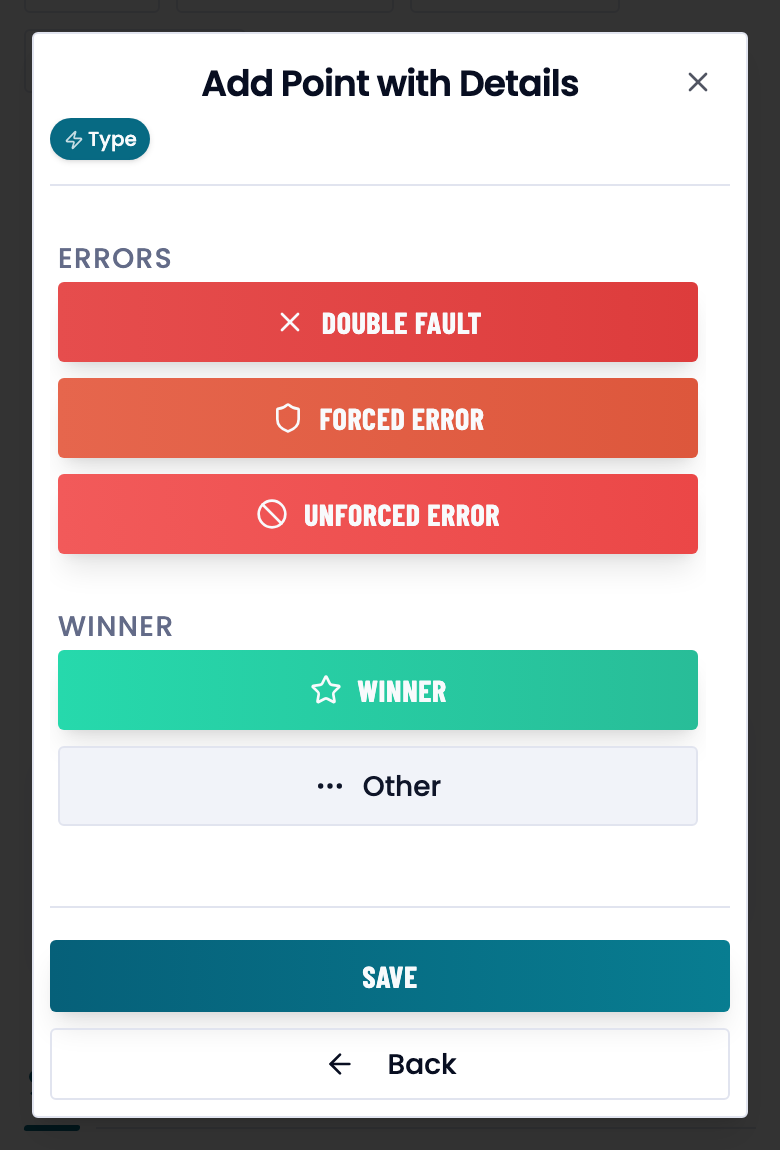
Details are optional in every mode. Skip details saves the bare point. Cancel point records nothing.
Every mode, side by side
| Mode | What one point is asked for |
|---|---|
| Simple | the point type and the player in one tap, plus an optional assisting player |
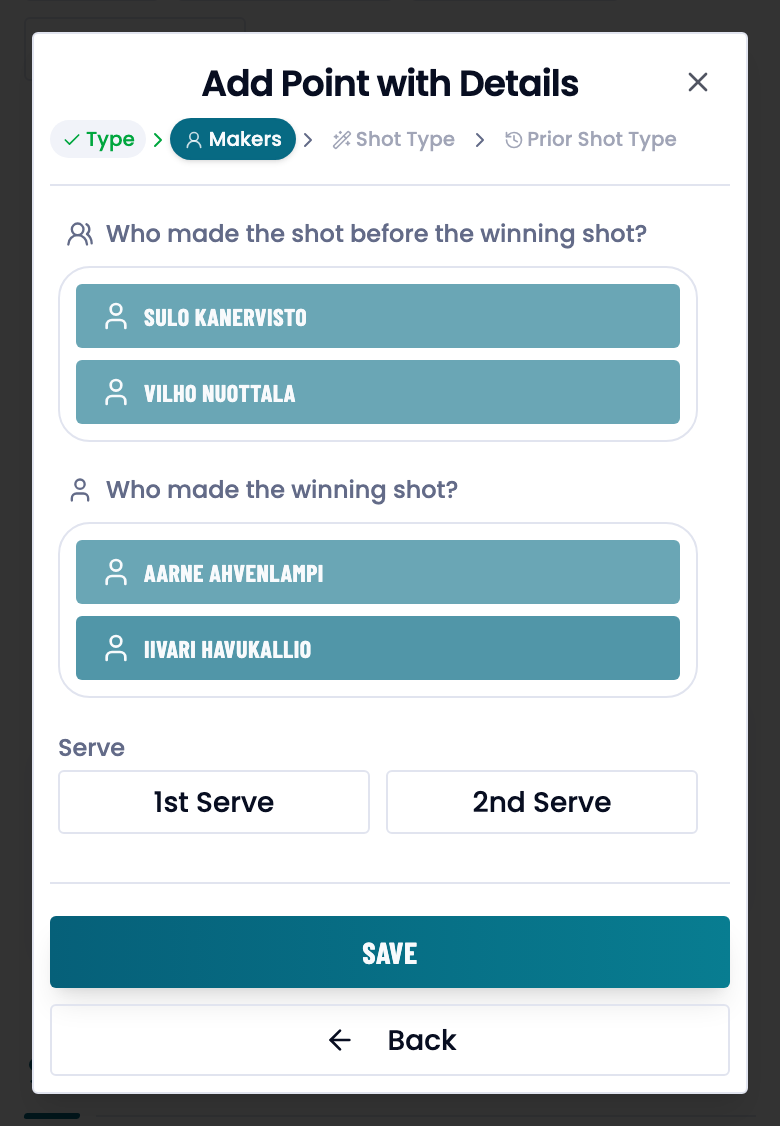
| Medium | the point type, who finished the point, who played before it, and the shot type |
| Complex | the above plus the previous shot, the serve number and the point map |
Choose your default
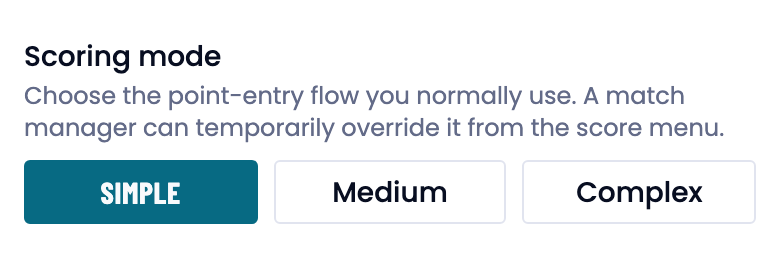
- Open Settings and scroll to Scoring preferences.
- Choose the Scoring mode: Simple, Medium or Complex.
- Press Save. The choice applies to every match you score.
The same section also lets you turn Use the point map off and hide shot types.
Change the mode for one match
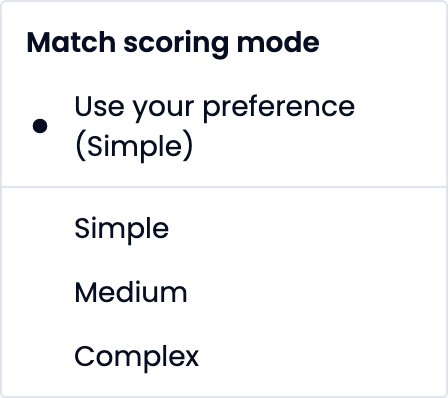
- Open the match and press … at the top right of the score view.
- Pick a mode from the Match scoring mode menu.
- Use your preference puts your own default back.
Who decides the ceiling
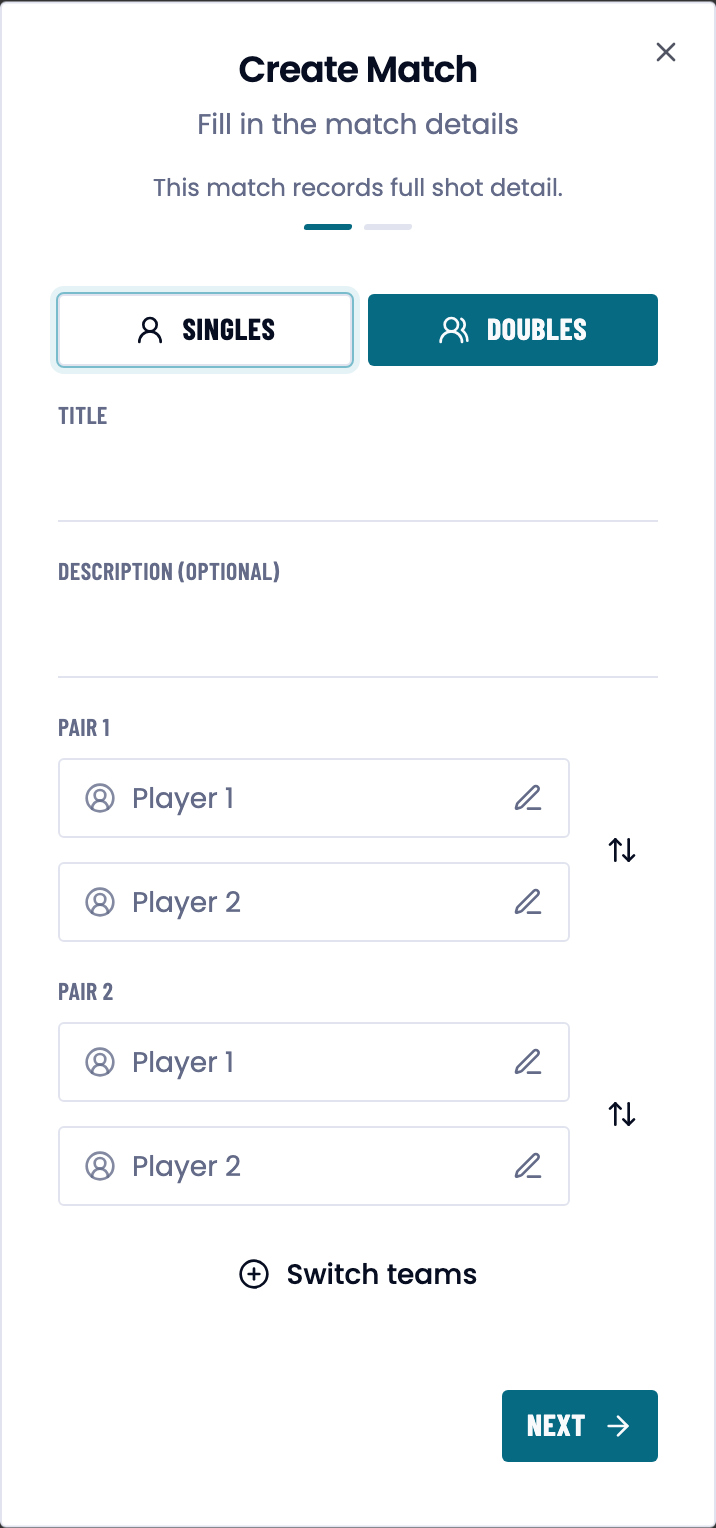
The server decides the ceiling when the match is created.
Every match type's ceiling
| Match | Ceiling | Uses your monthly allowance |
|---|---|---|
| A team match or a scheduled match | complex | no |
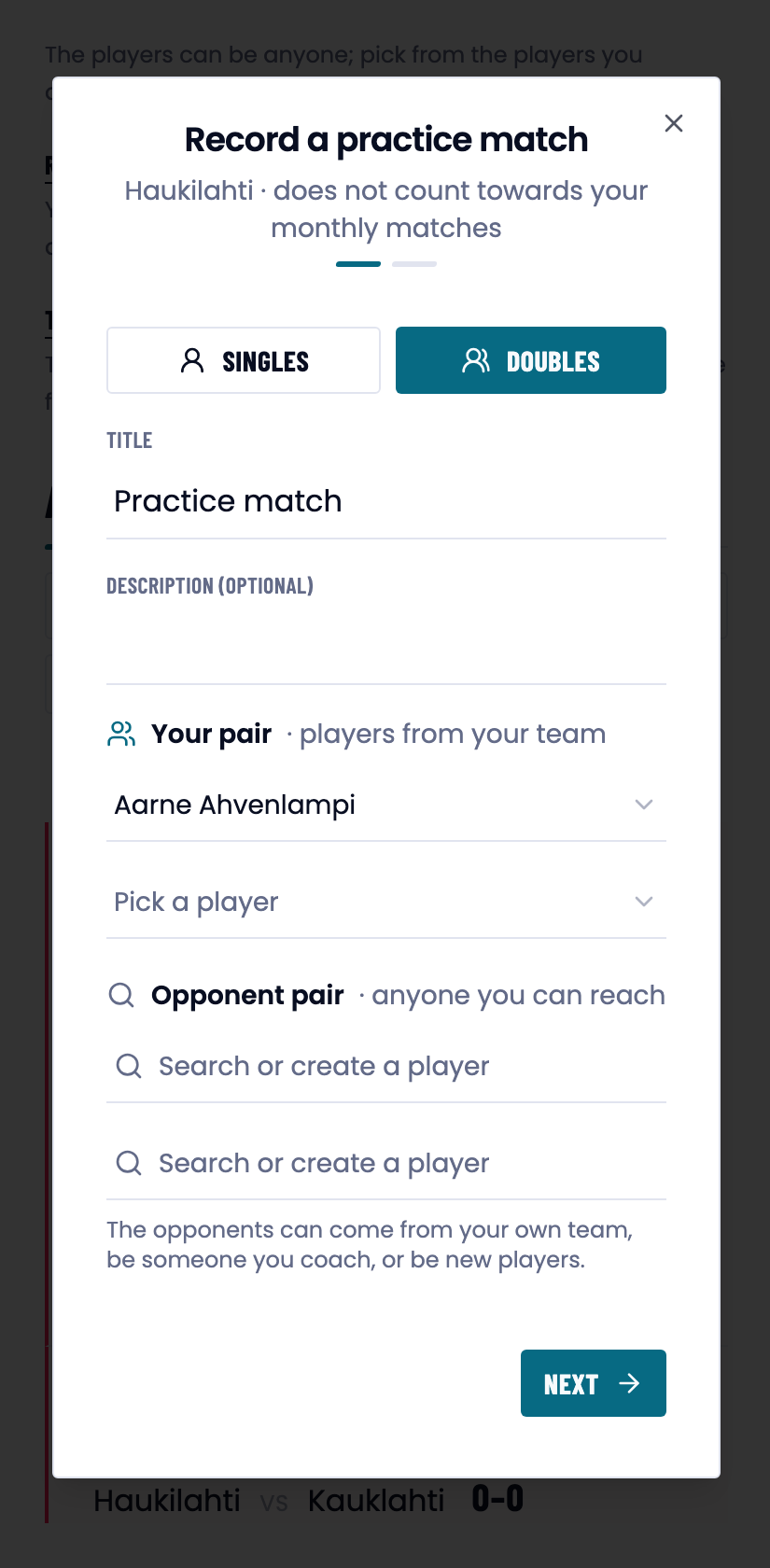
| A practice match for a team | complex | no |
| A match of your own, with a Pro licence | complex | no |
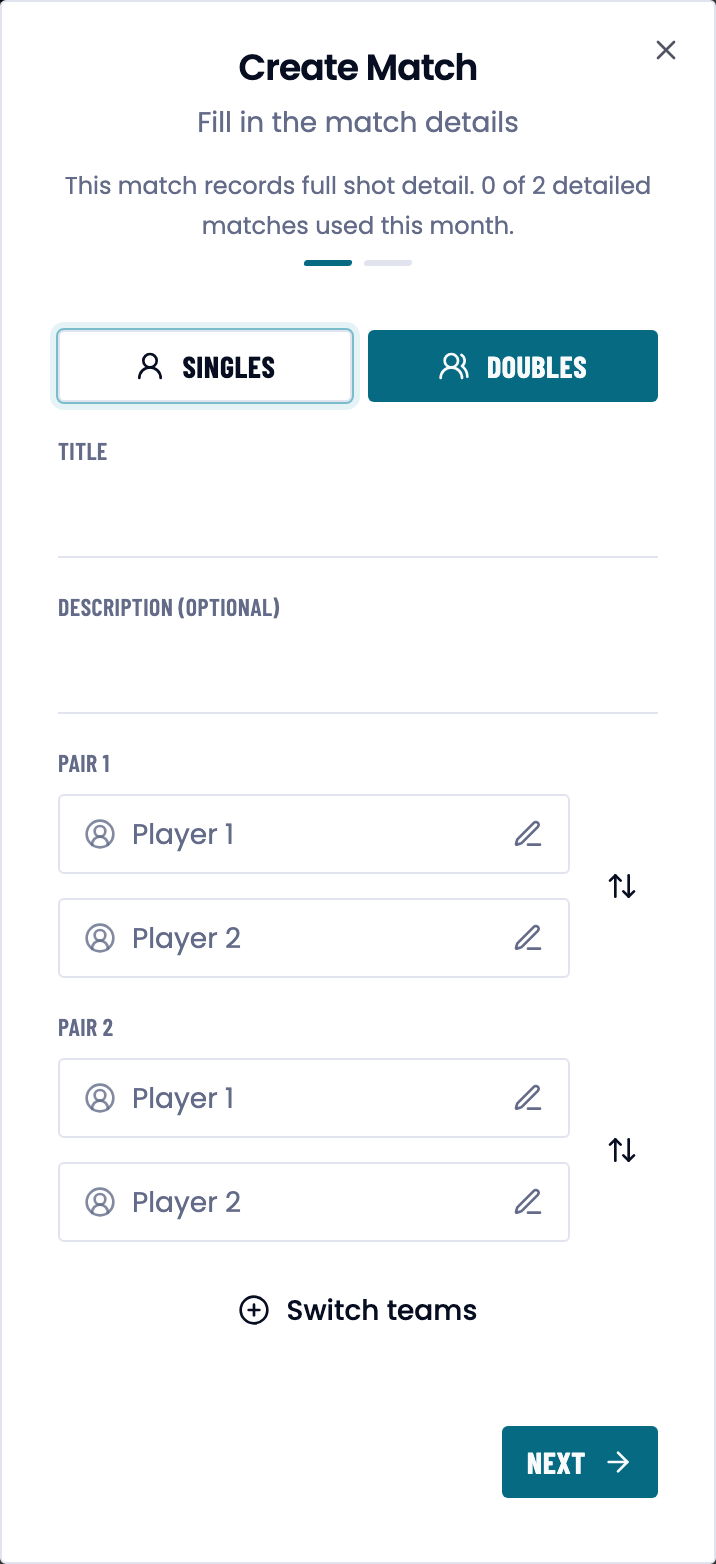
| A match of your own, without Pro | complex twice a month, simple after that | yes |
What a mode leaves behind
The mode decides how much there is to analyse once a match is over.
The tabs each mode unlocks



Good to know
Trouble?
Why can’t I pick complex? The ceiling was decided when the match was created and cannot be raised. Create a new match.
The old points did not change when I switched mode. The mode only governs the balls recorded after it.
The point map does not appear. Check that Use the point map is on.
Some shot types are missing from the picker. They are hidden under Visible shot types. Hidden shots still appear in stats.
I ran out of detailed matches this month. The count resets when the month turns. Matches recorded for a team never use it, and a Pro subscription removes the limit altogether.