Your league account is created for you, but it has no password yet. You set the password from the invitation link and accept the terms.
The short version
Open the invitation email, press its button and choose a password. Accept the terms, pick a starting point, and you are in. Nothing else has to be set up.
Before you start
You need the invitation email. It was sent to the address your club reported to the federation. You do not sign up yourself.
Activating step by step
- Open the invitation email whose subject starts “Tervetuloa Padloon” (“Welcome to Padlo”) and press Aseta salasana (“Set password”). If the button does not work, copy the address at the bottom of the message into your browser.
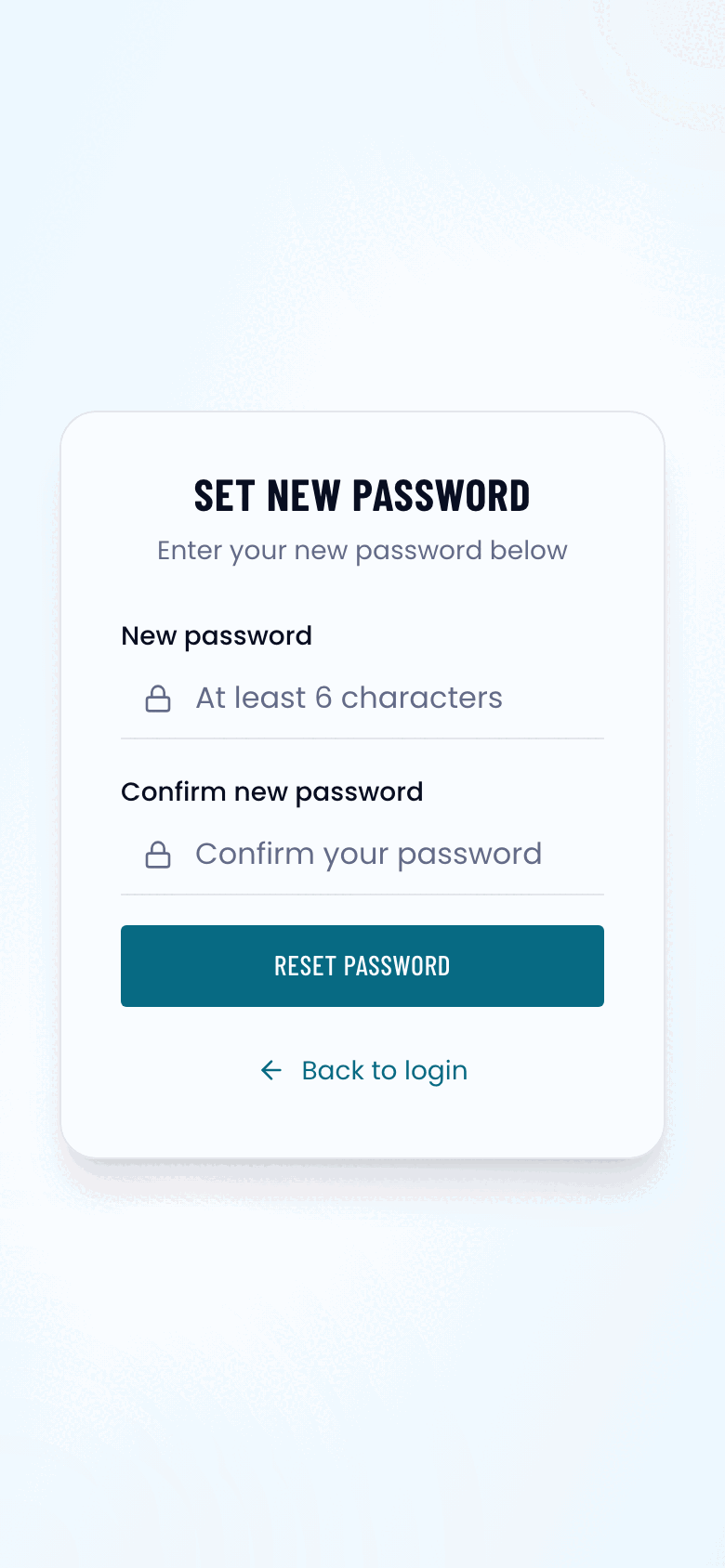
- Type your password into New password and Confirm new password. At least six characters. Press Reset password.
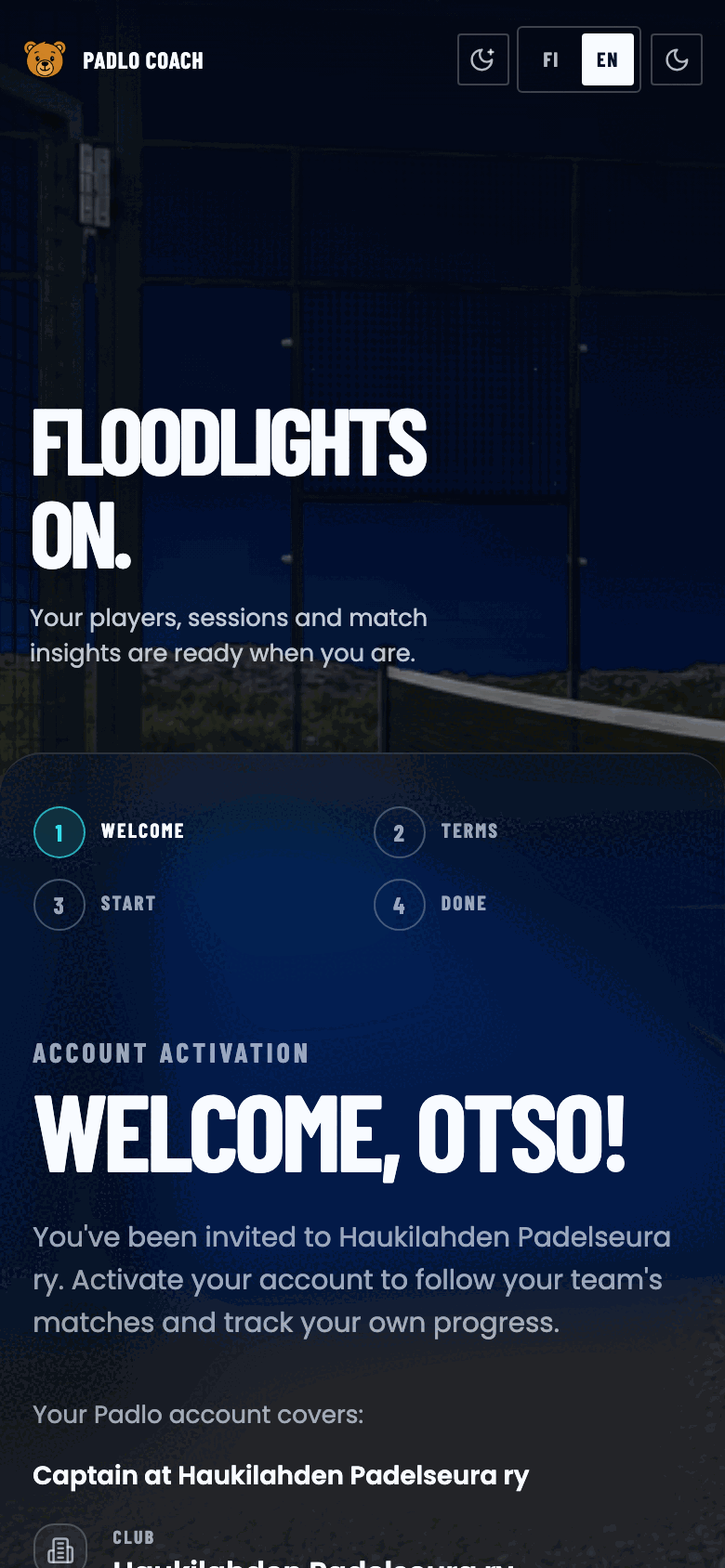
- You are signed in and setup starts. Press Continue.
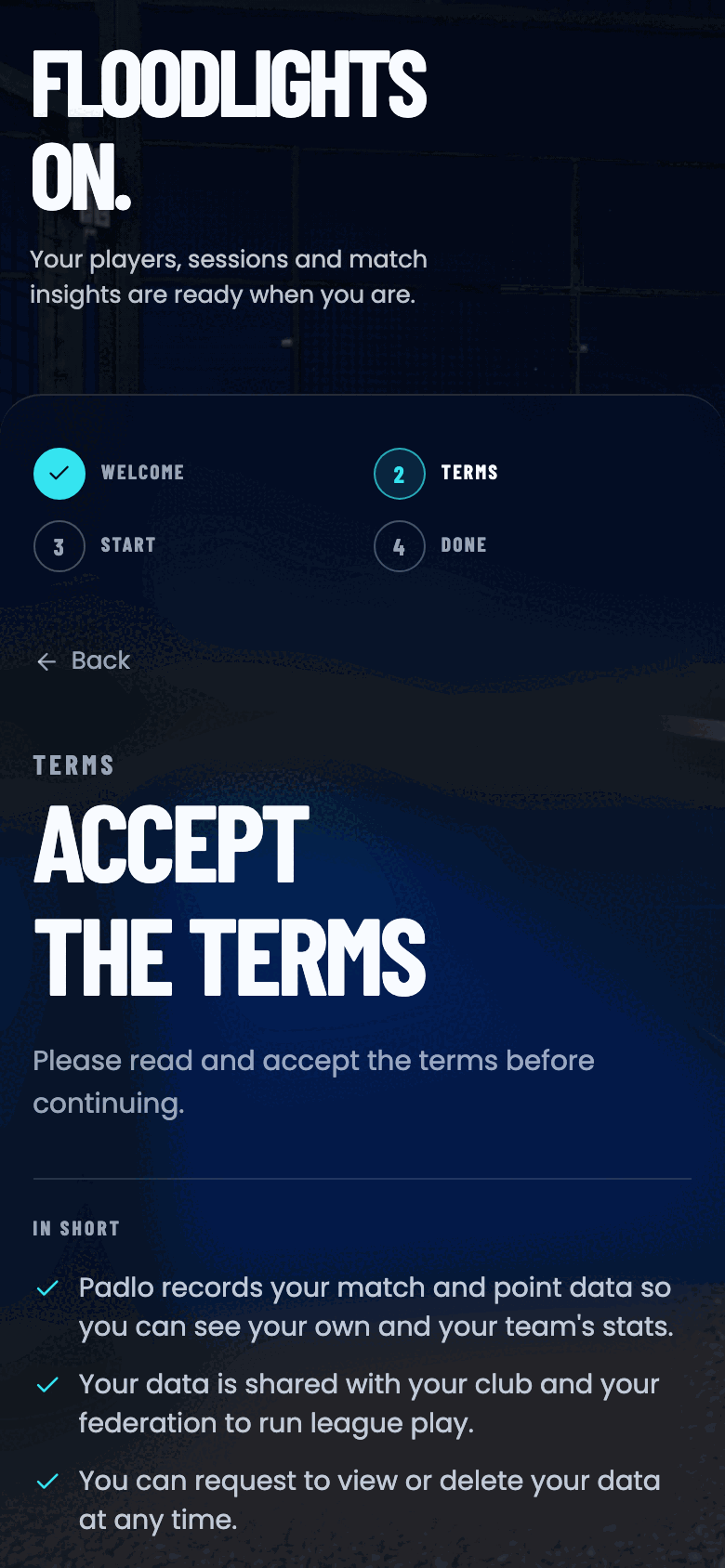
- Tick the box about the Terms of Service and Privacy Policy and press Accept and continue. The button becomes active only once the box is ticked.
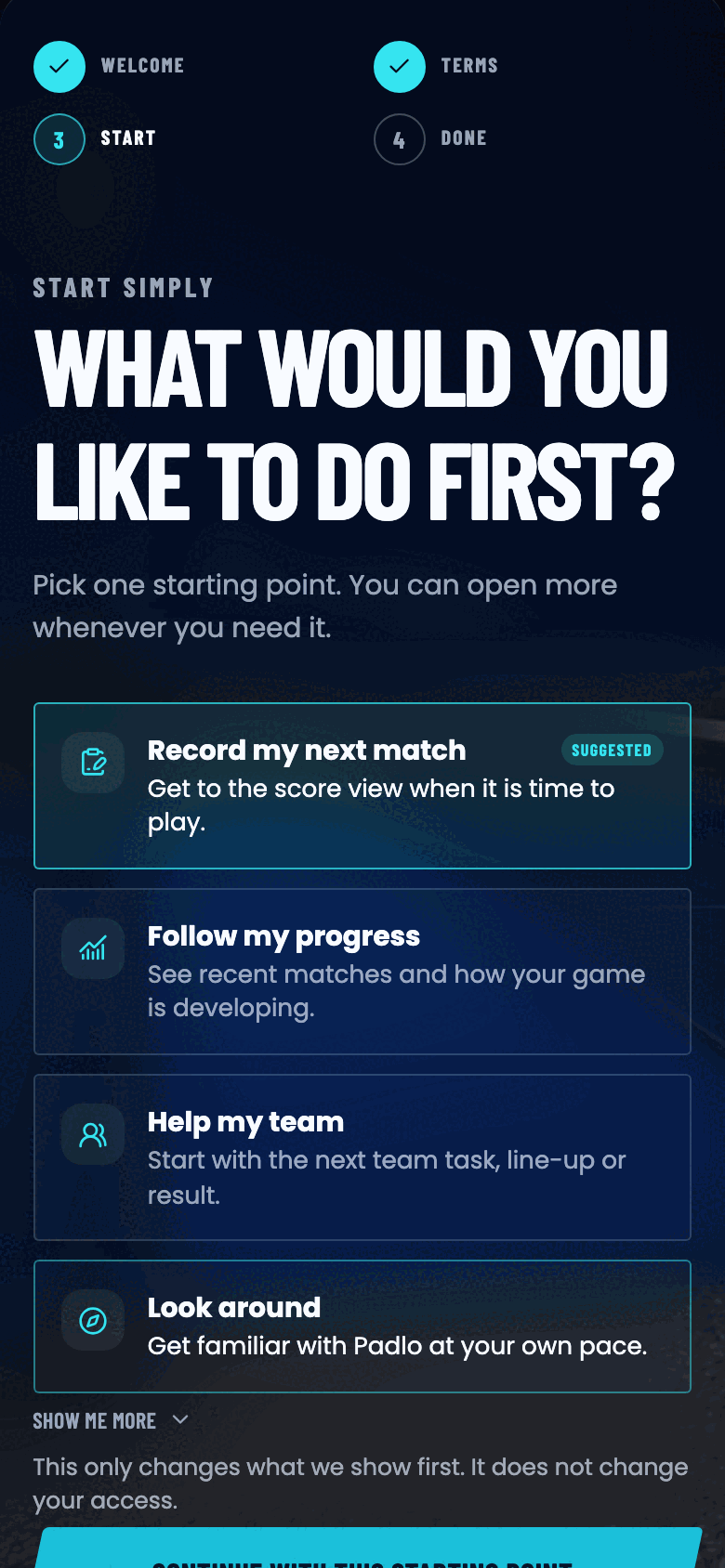
- Pick one starting point and press Continue with this starting point. The choice only decides which view opens first, not your access.
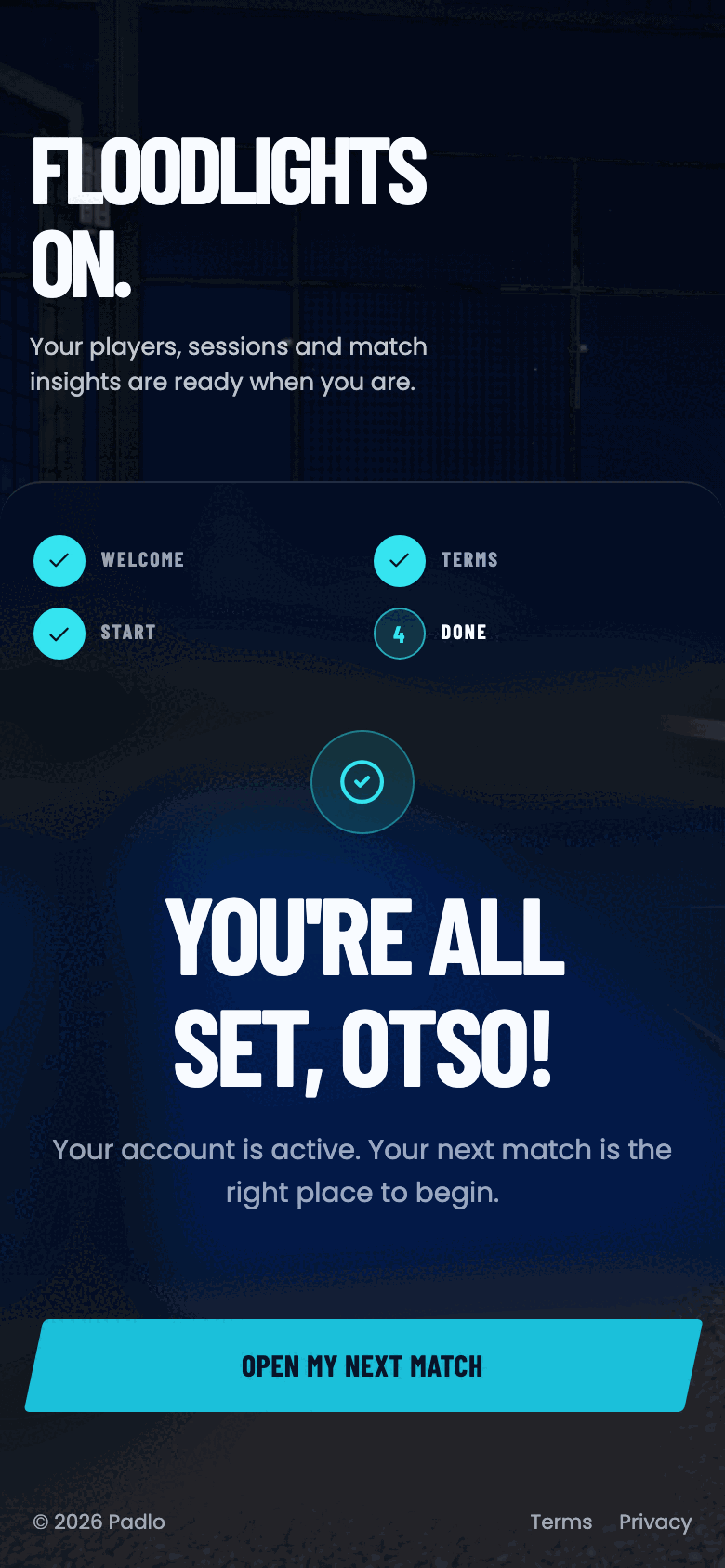
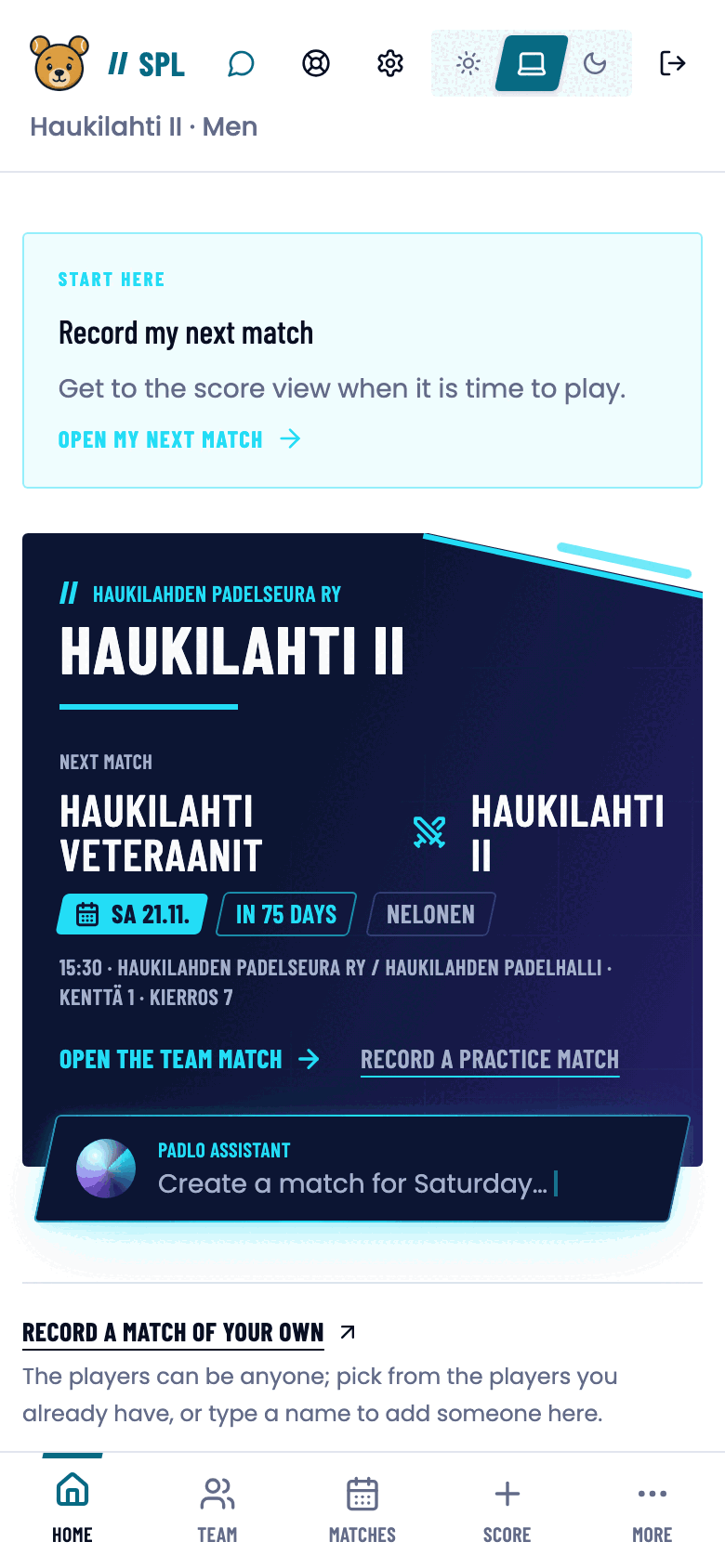
- Press the button on the last screen, for example Open my next match. You land on your league home.
Good to know
Trouble?
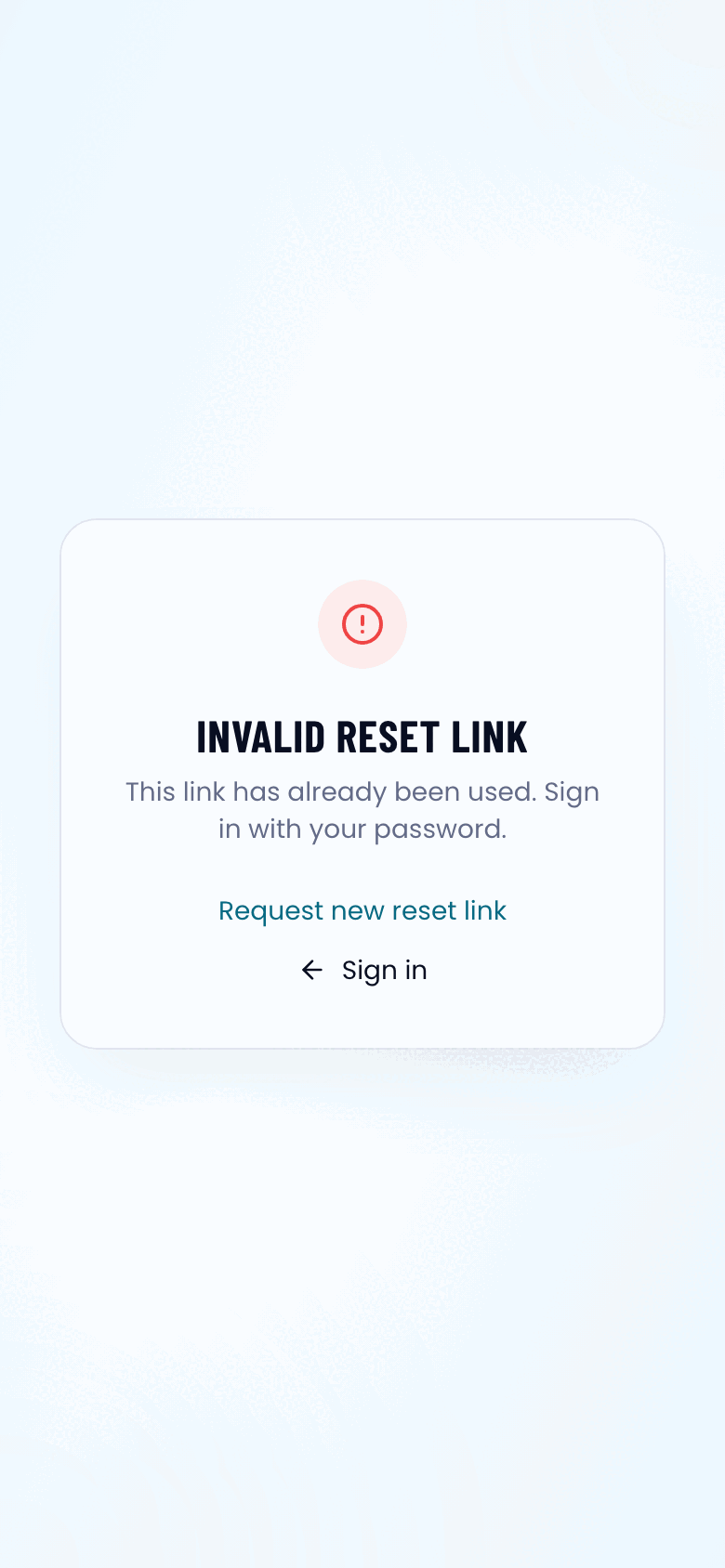
The link says “Invalid reset link”.
The link has been used or has expired. If you already set a password, press Sign in. Otherwise press Request new reset link and enter the same email address.
I never got the invitation email.
Check your spam and promotions folders. Confirm with your club that you were reported with the correct address. You can also request the link yourself with Forgot password?
I was invited to several teams.
Activate the account from one link. All your roles sit on the same account.