As a player you set nothing up: your captain records the team matches and they appear under your name.
-
Open the email Tervetuloa Padloon! and press Aseta salasana. The message is in Finnish for everyone and ends with an English summary.
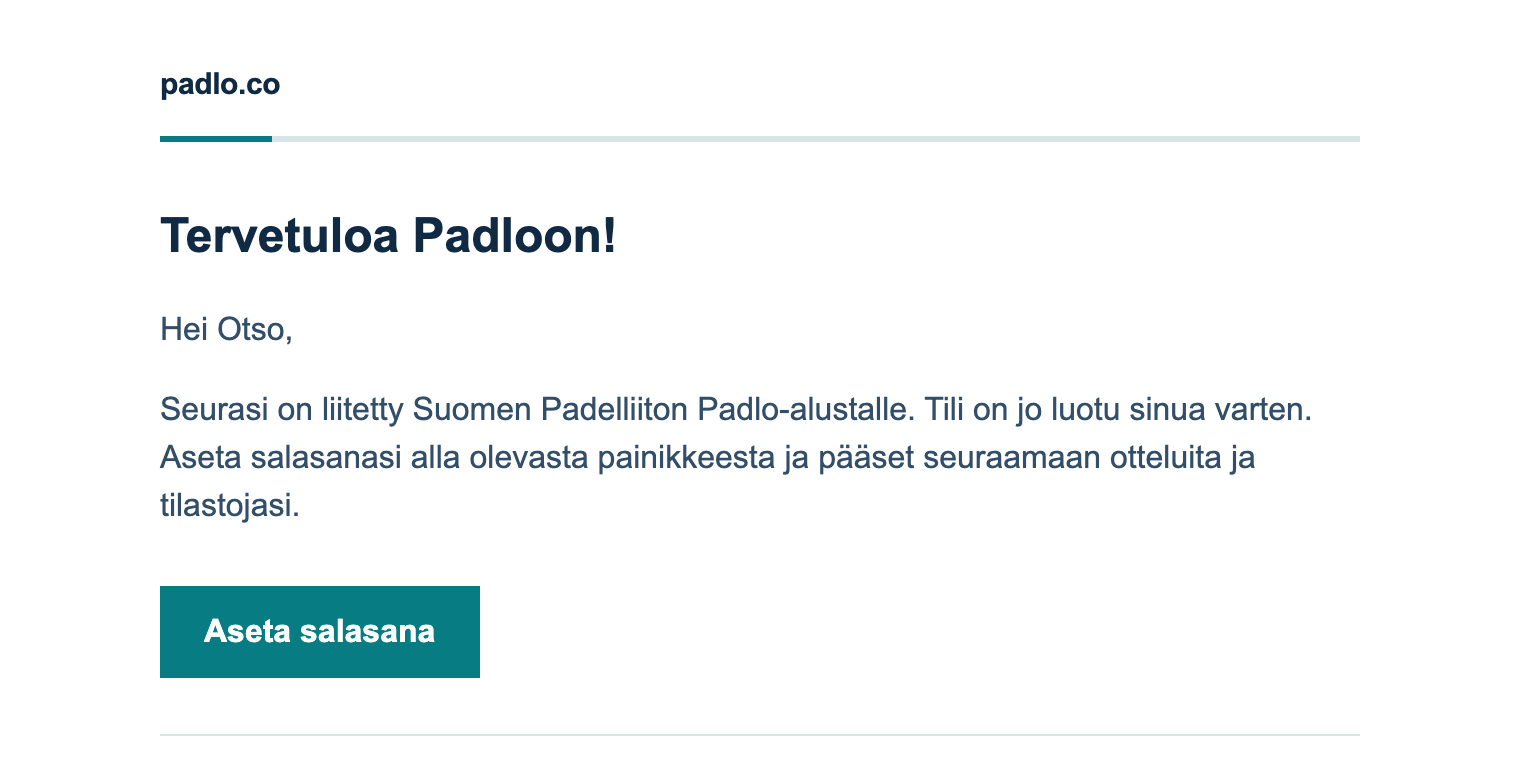
Step 1. The email is your way in. Aseta salasana means set password. -
Type the same password into New password and Confirm new password, at least six characters, and press Reset password.
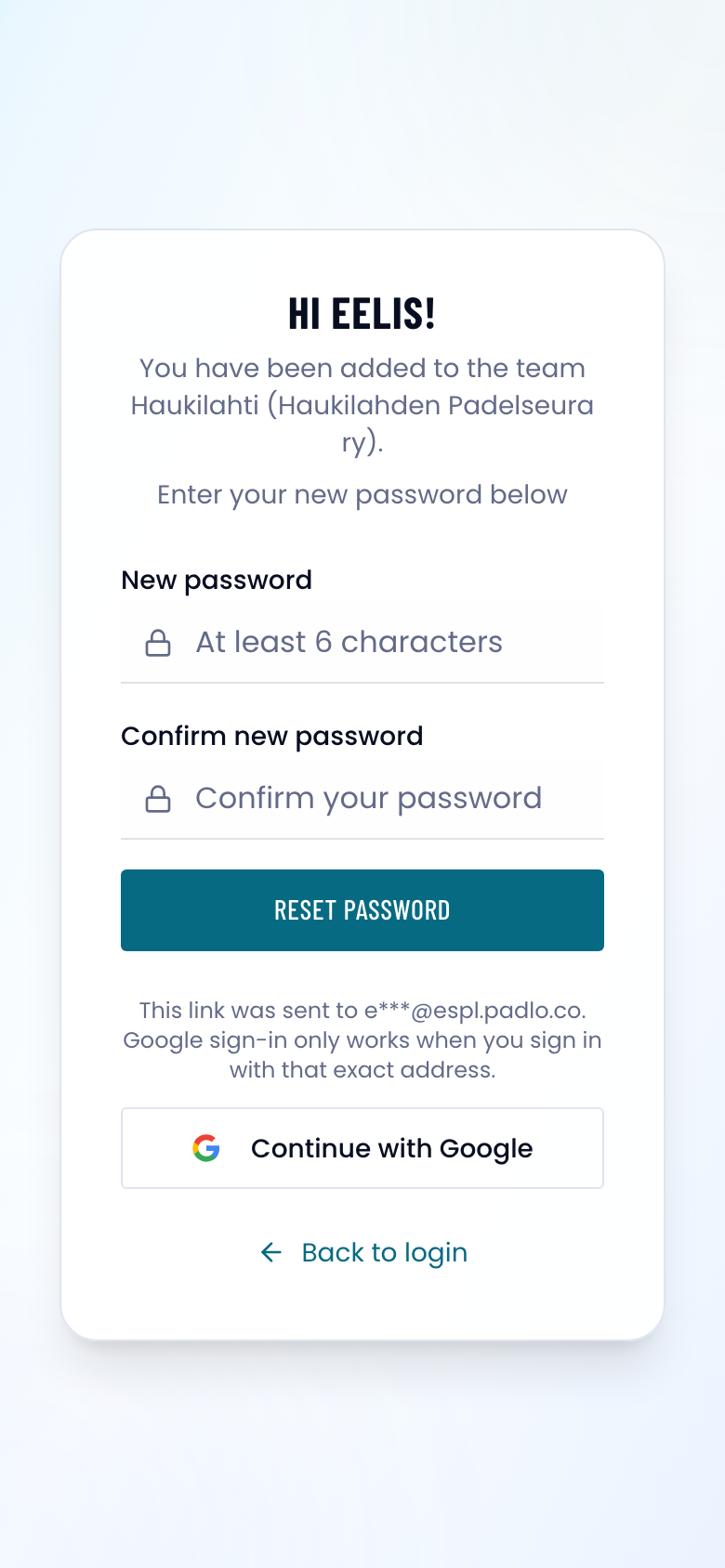
Step 2. The greeting names your team, so you can see the link is yours. -
You are signed in and setup starts. Press Continue, tick the box about the Terms of Service and Privacy Policy, and press Accept and continue.
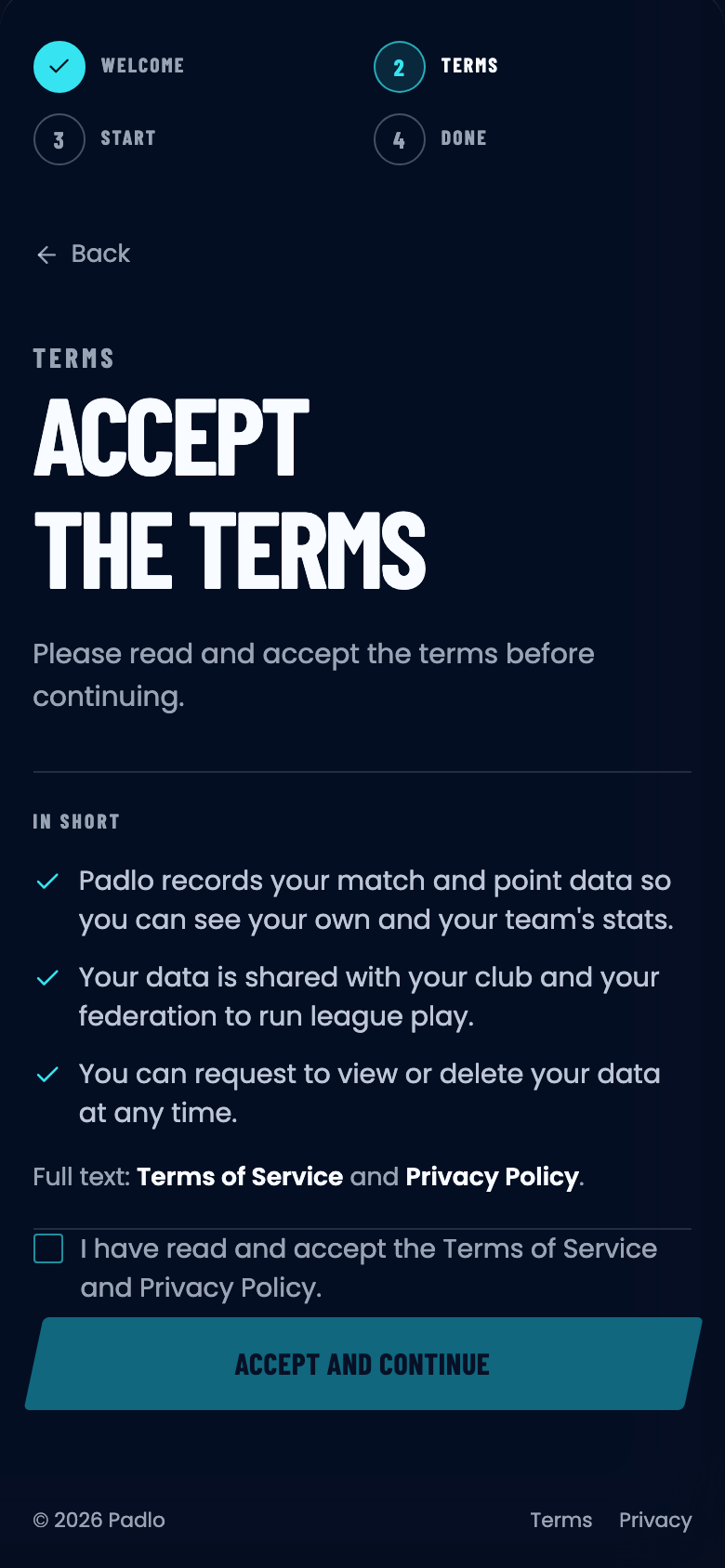
Step 3. Terms are asked once, on this account, on any device. -
Follow my progress is already chosen for you. Press Continue with this starting point, then See my progress on the last screen.
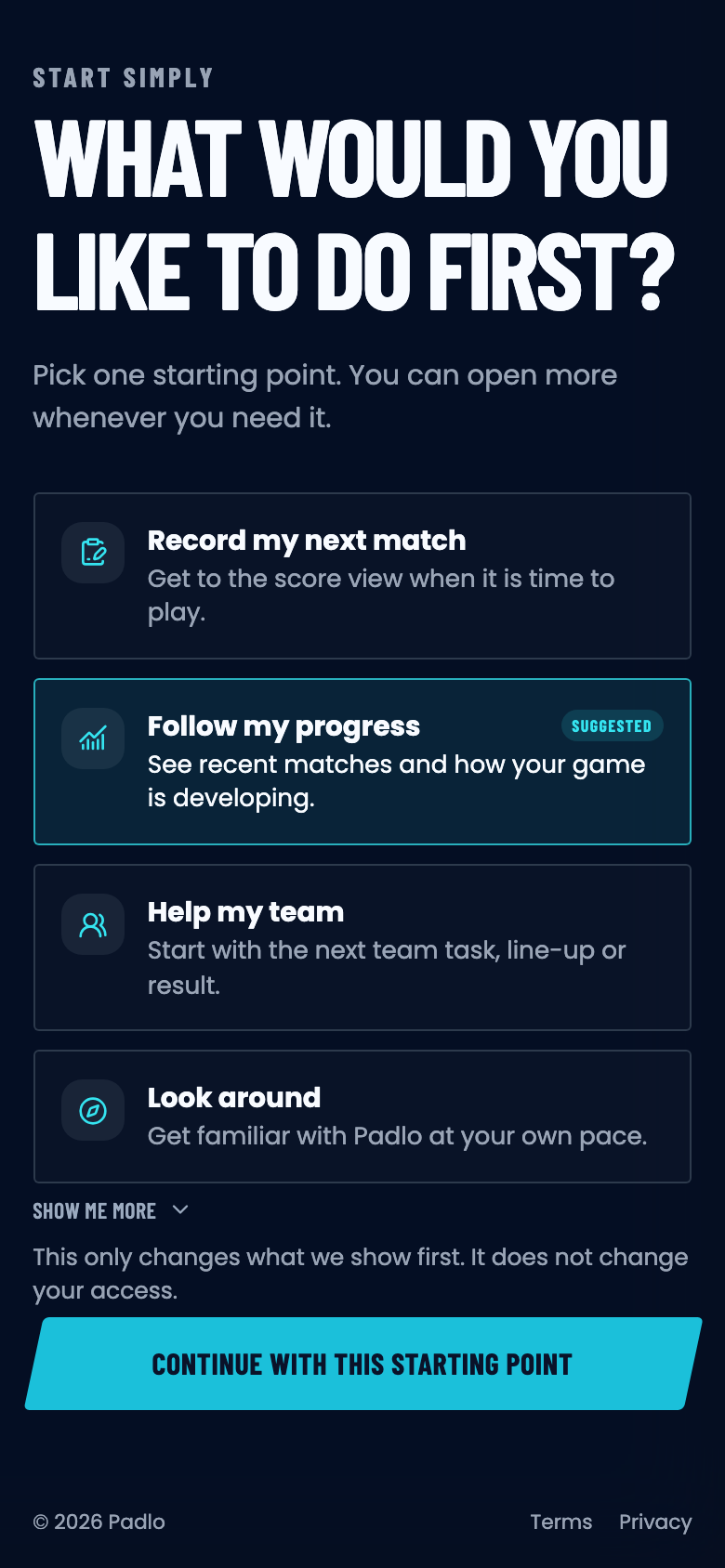
Step 4. The choice only decides what opens first, never your access. -
You land on your league home. The matchday card is the team match your captain records; you do not have to do anything with it.
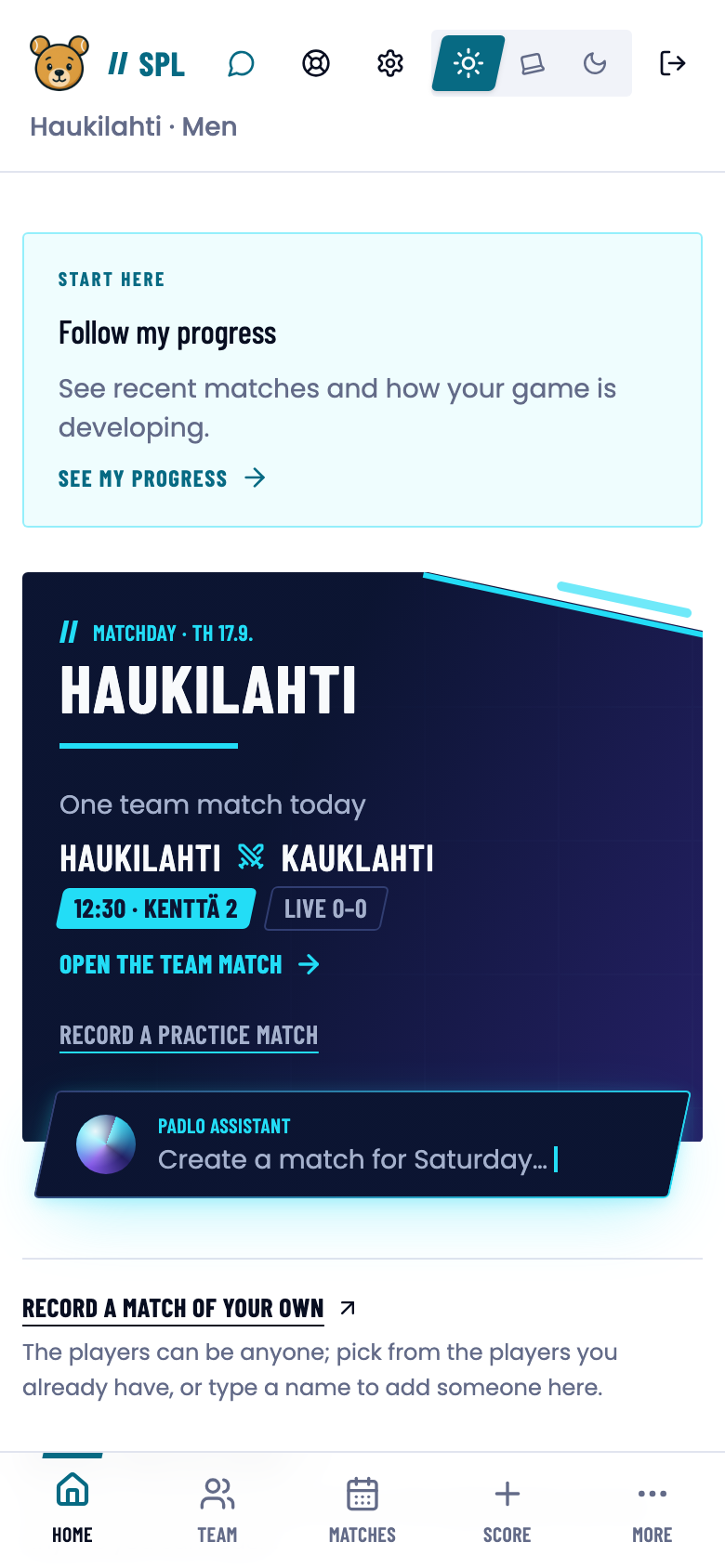
Step 5. Matches in the bottom bar lists every match you have played. -
Home repeats the same button. Press See my progress in the Start here card to open your own page.
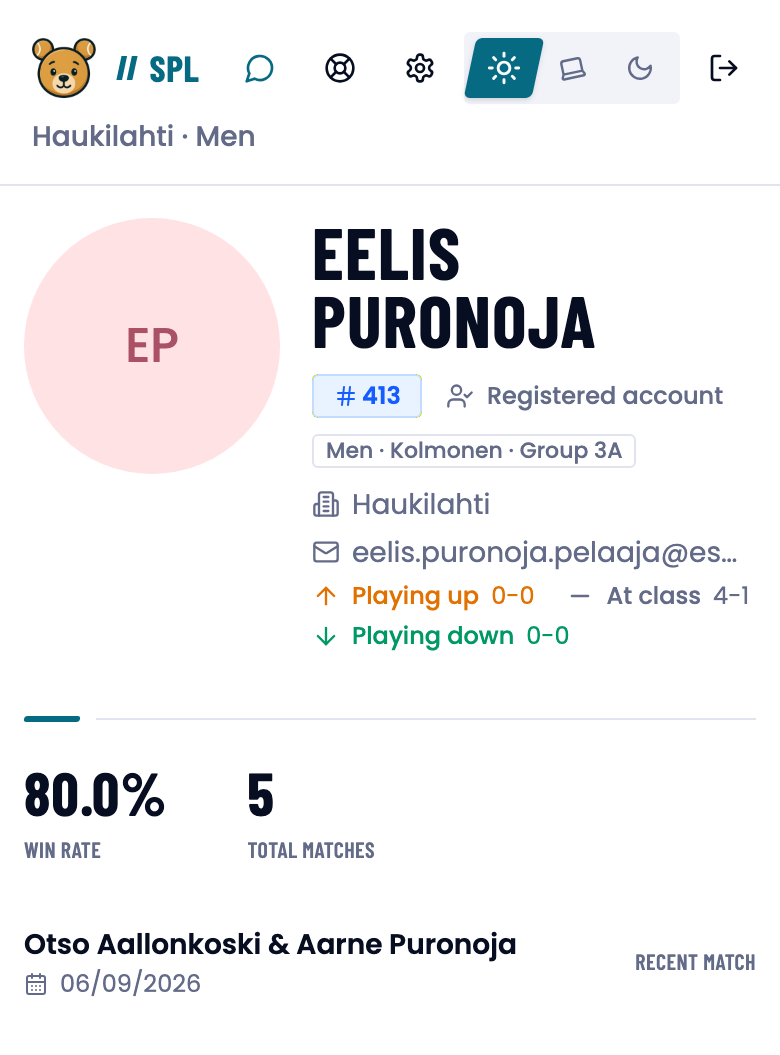
Step 6. The page fills up as your captain records matches.
There is nothing to switch on: team matches are recorded at the fullest detail by the team, and they cost you nothing.
What next
- Home and team page — what your home page and your team’s page show.
- Roles and visibility — who sees your matches and figures.
- Match analysis — how to read a finished match.
Trouble?
The link says “Invalid reset link”.
It has been used already or it is over six hours old. Press Request new reset link and enter the same address. See Activating your account.
My page shows no matches.
Matches appear once someone records them. A league match is recorded by the team, in practice by the captain.
My name is missing from a lineup.
Lineups are edited by the team’s own members. Ask your captain to open LINEUPS and press Edit.