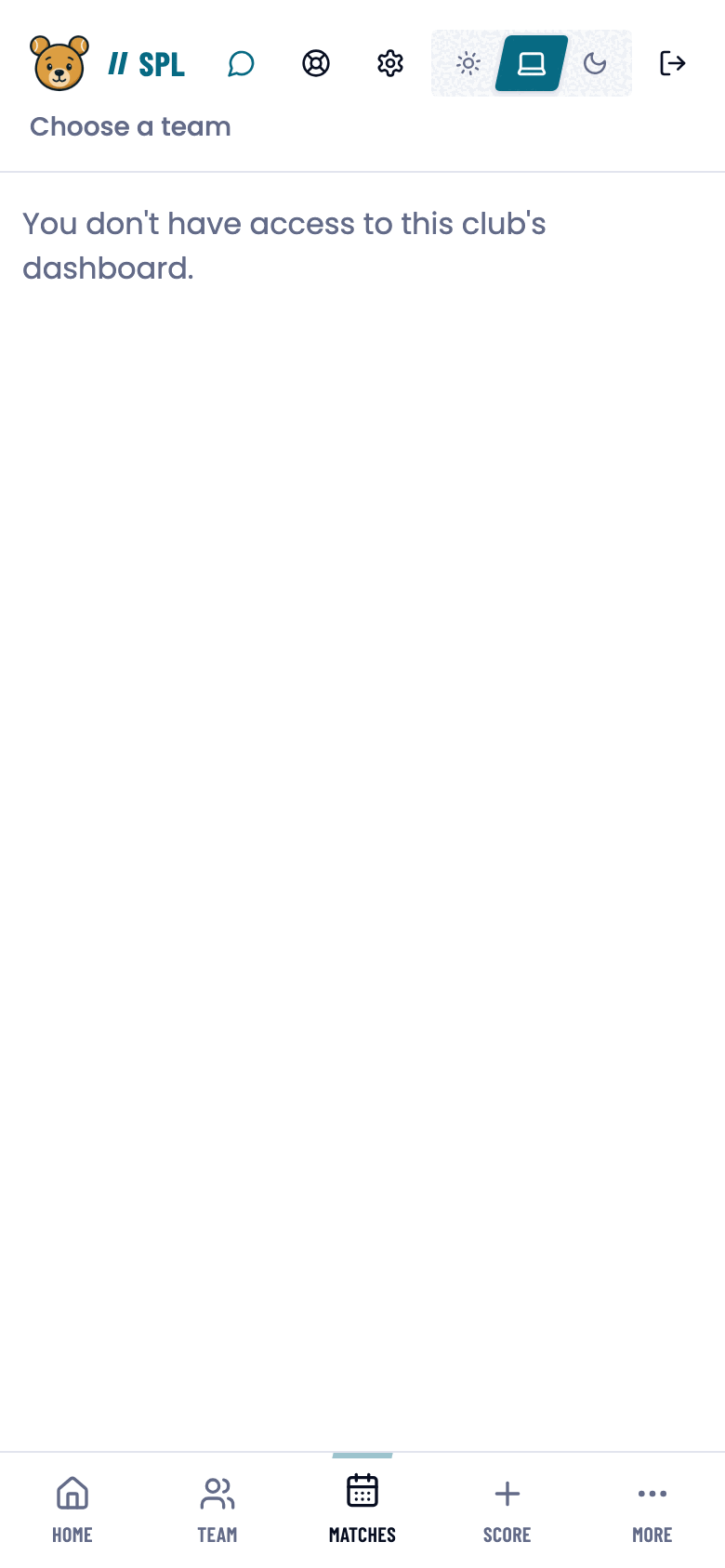
Permissions follow the role and what it applies to. The same person can be a captain in one team and just a player in another.
The short version
Your club gives you your role and you cannot change it yourself. A player records their own matches, a captain records the team’s as well, and a club admin looks after the club’s teams and players.
Before you start
Your role is shown on the welcome screen during activation, and later in the badges on your team page. You cannot change your own role, your club or federation admin sets it.
The roles in short
Who may do what
The full rights table
| Player | Captain | Club | Federation | |
|---|---|---|---|---|
| A single team match | ✓ | ✓ | ✓ | ✓ |
| The match list and schedule | ✓ | ✓ | ✓ | – |
| Team analytics | ✓ | ✓ | ✓ | – |
| A teammate’s stats | ✓ | ✓ | ✓ | – |
| Recording your own match | ✓ | ✓ | ✓ | ✓ |
| Recording your own practice match | ✓ | ✓ | – | – |
| A team match’s lineups and finishing | ✓ | ✓ | ✓ | ✓ |
| Recording a team match’s points | ✓ | ✓ | – | – |
| Adding and removing players | – | ✓ | ✓ | ✓ |
| Inviting a player by email | – | ✓ | ✓ * | ✓ * |
| Appointing a captain | – | – | ✓ | – |
| Inviting a captain by email | – | – | ✓ | – |
| Renaming or deleting a team | – | – | ✓ | – |
| The club dashboard | own club | own club | ✓ | – |
| Inviting a club admin | – | – | – | ✓ |
| The federation dashboard | – | – | – | ✓ |
| Reading coaching notes | shared ‡ | ✓ | ✓ | – |
| Writing coaching notes | – | – | ✓ | – |
Club = club admin, Federation = federation admin. A ✓ means the right within your own remit.
* An admin has no Invite a player form. They add someone with Add player, and the invitation goes out once the player is given an e-mail address. Captains are invited with Invite a team captain.
‡ A player reads the notes shared with them. A coach’s own private notes stay closed to the player.
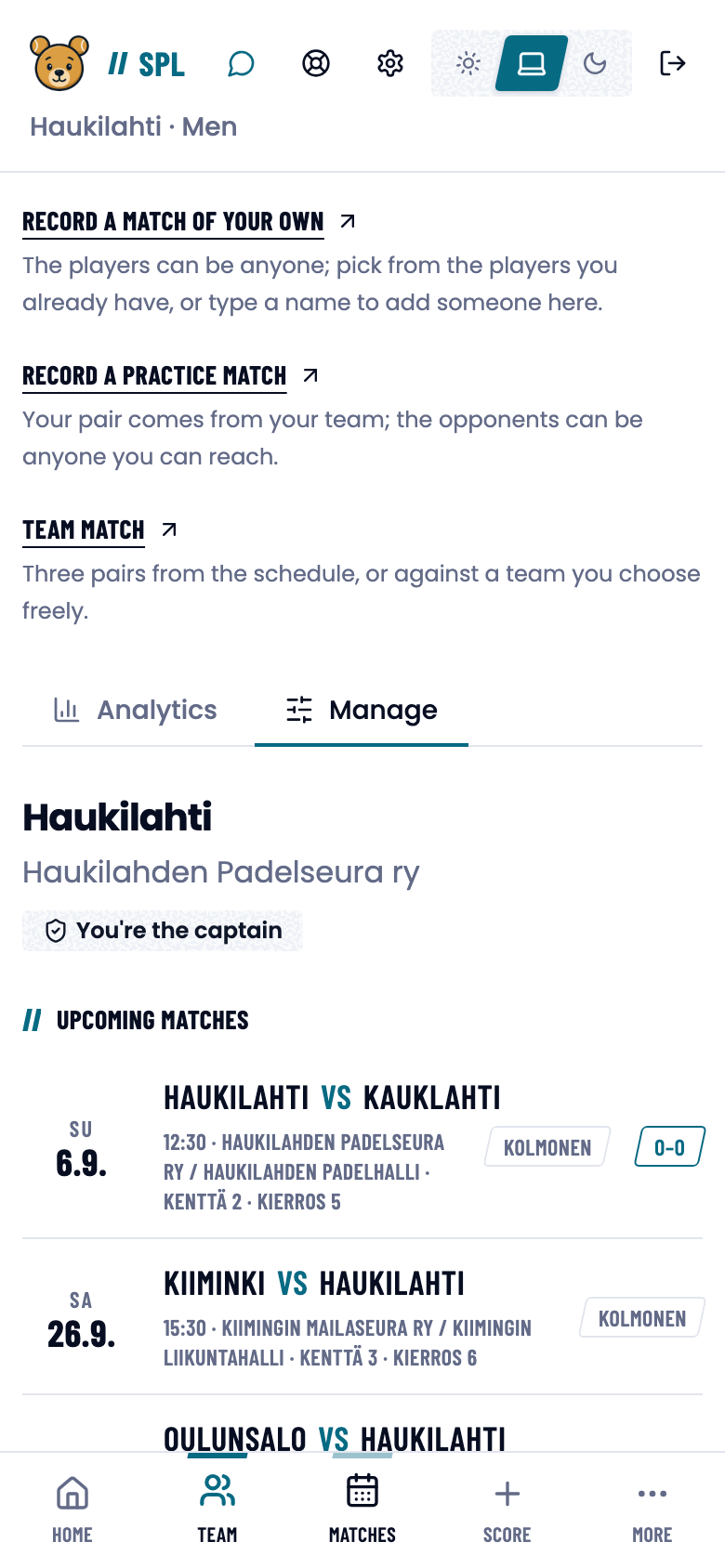
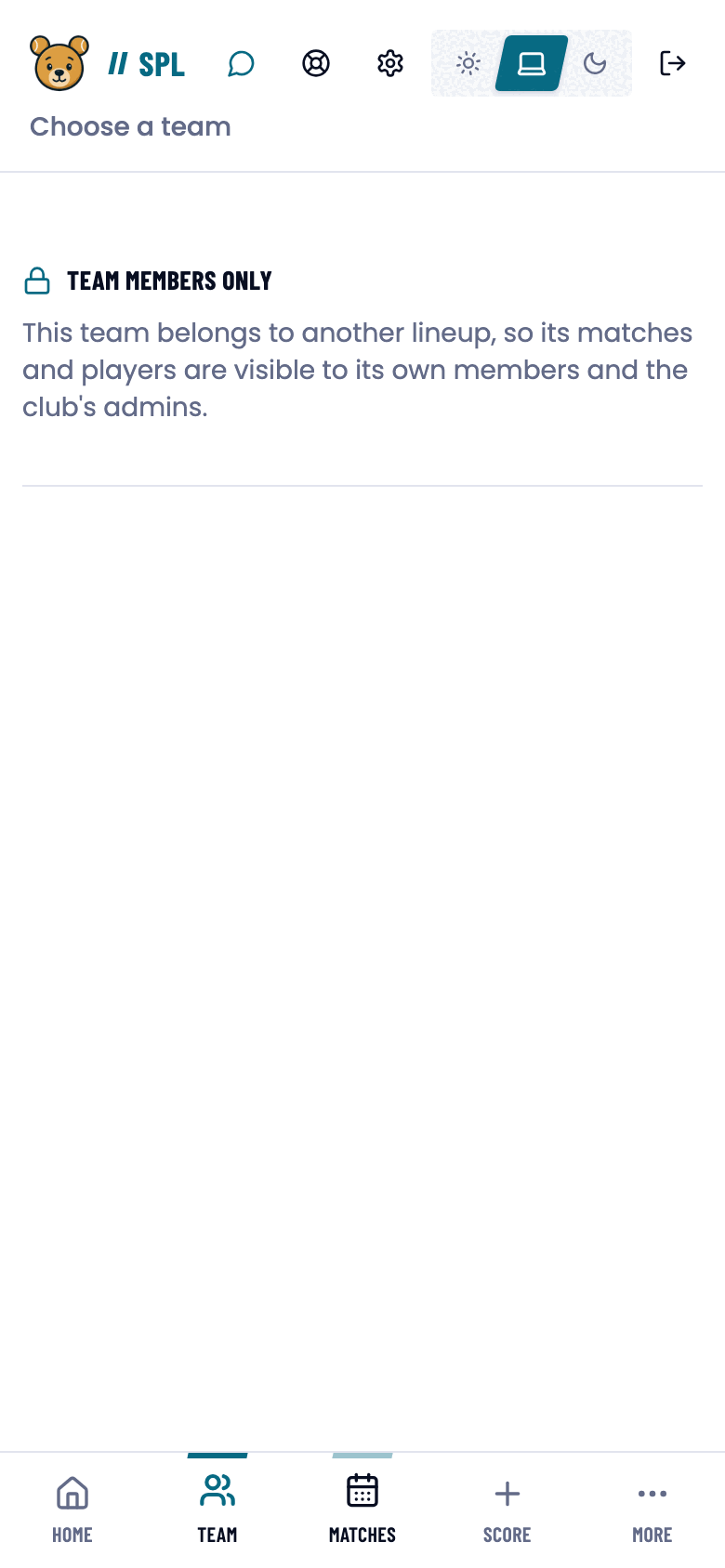
The same page, different roles
The club dashboard shows the same figures to every member of the club, but only an admin gets the management controls.
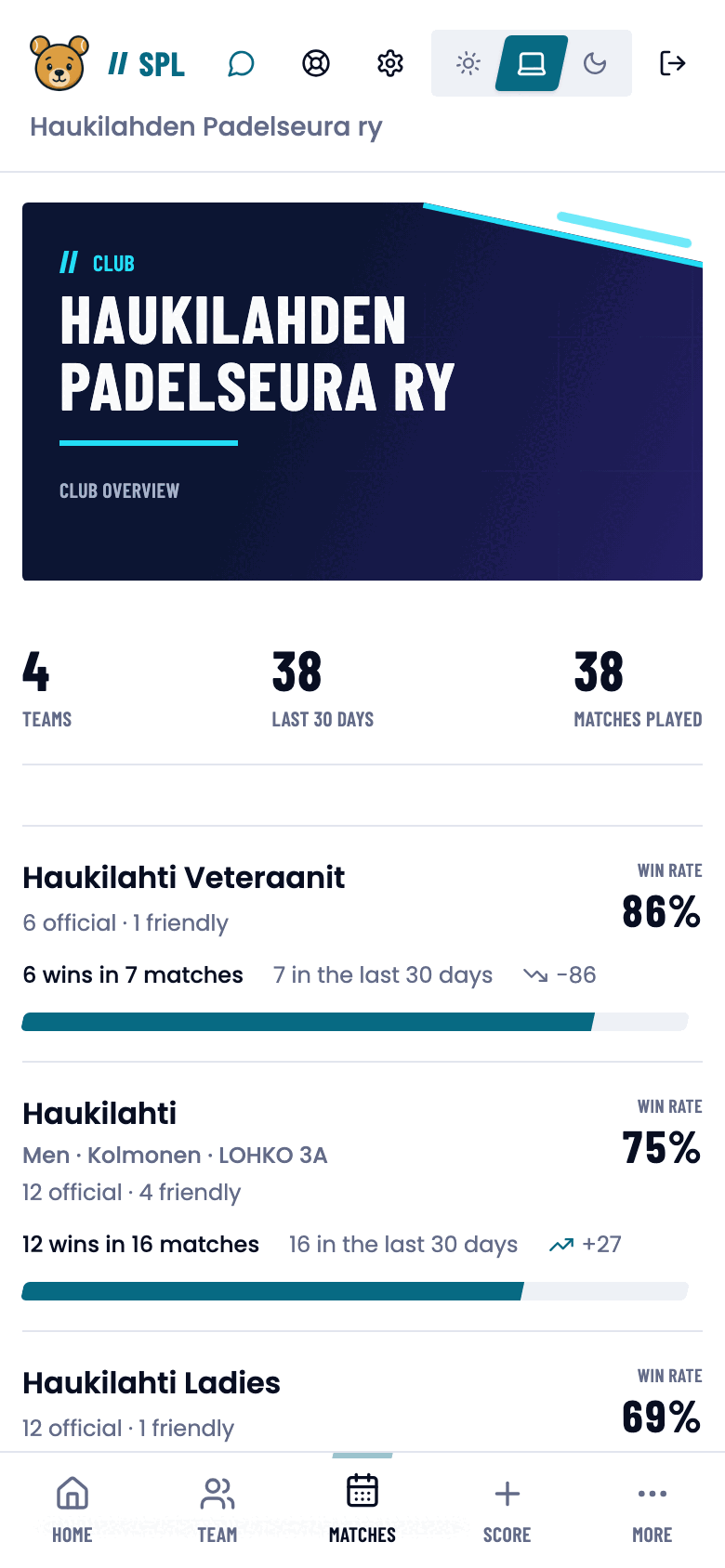
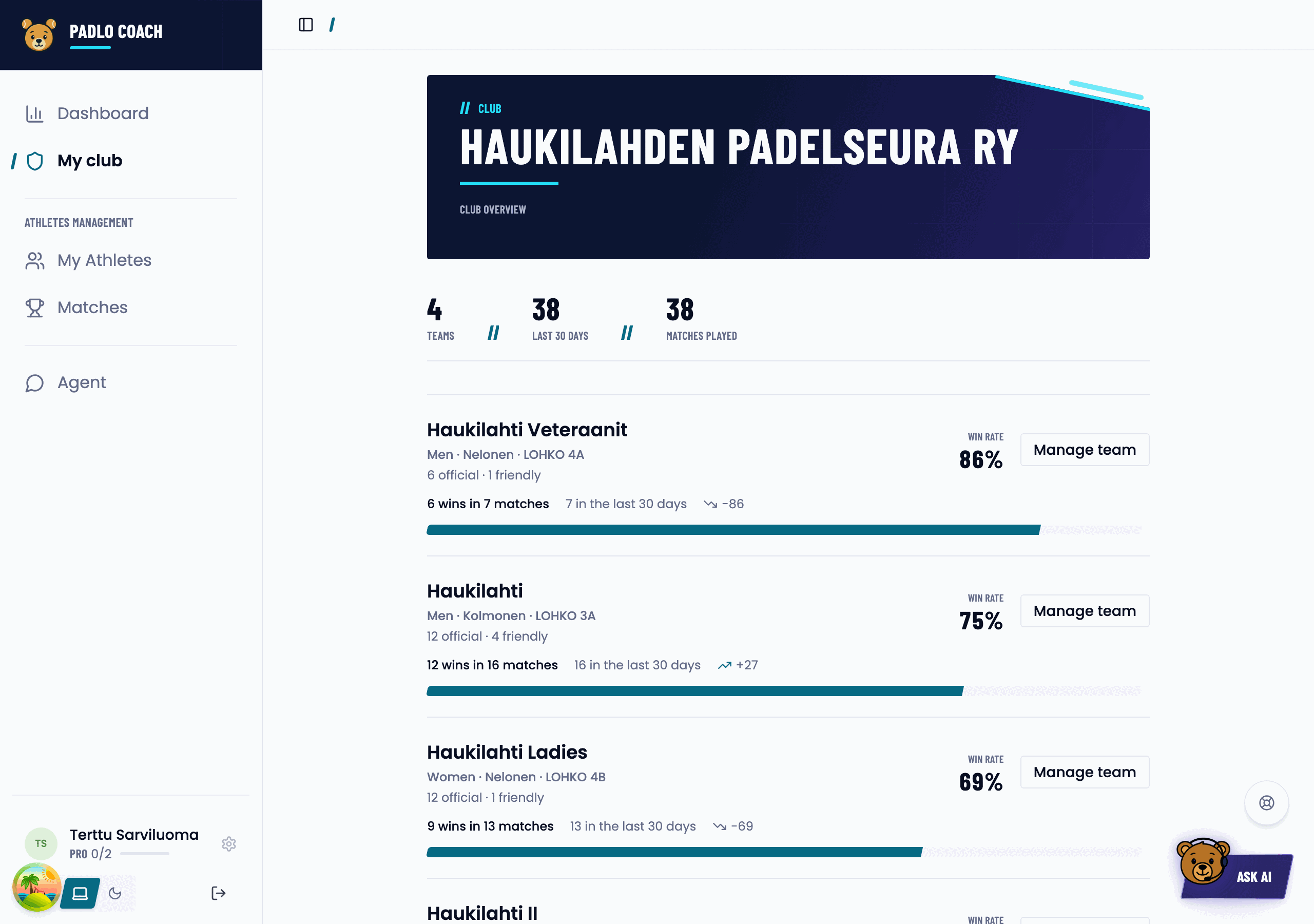
Privacy
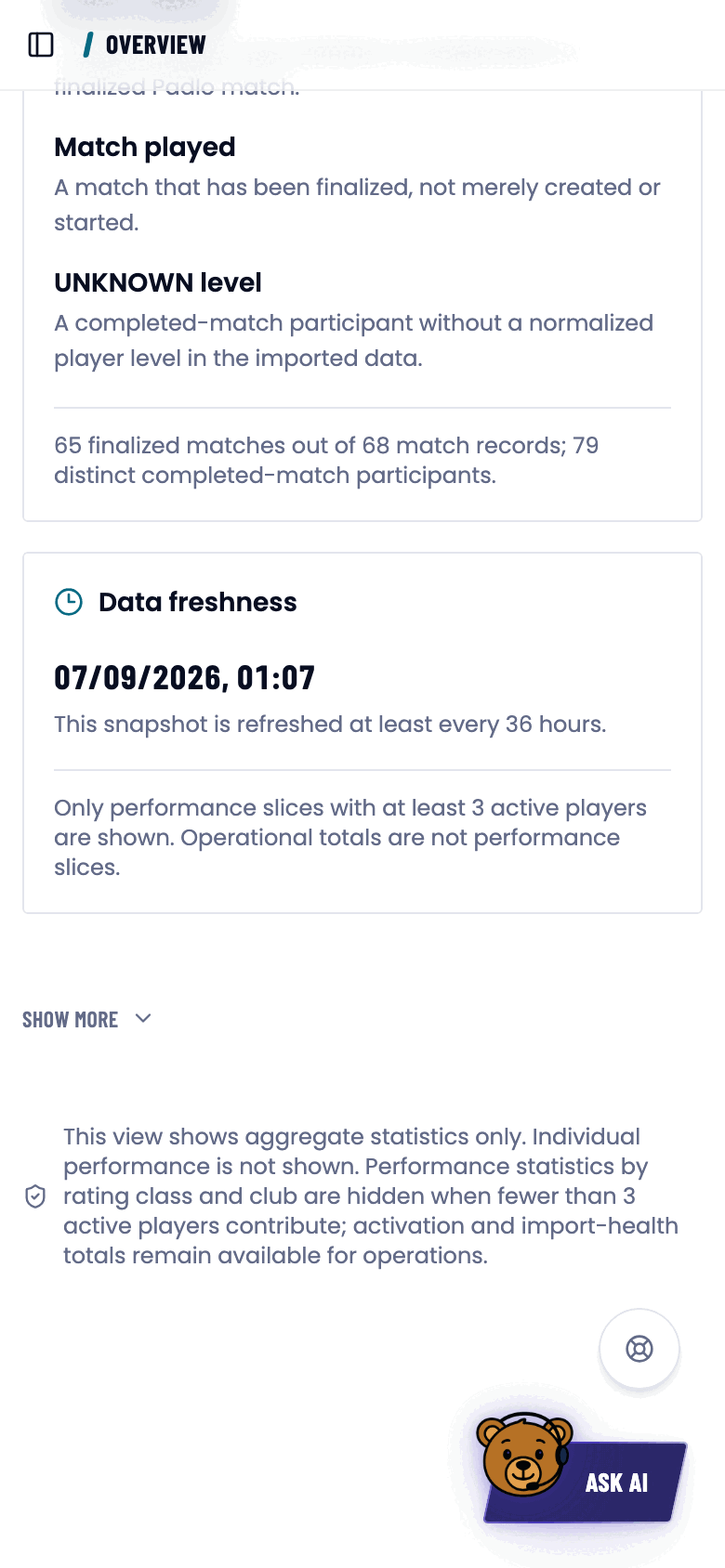
Three rules protect the individual player.
A federation admin sees aggregates only.
The dashboard holds per-club and per-rating-class totals, activation figures and data health, and no personal performance data.
Groups of fewer than three players are hidden.
If a rating class’s or a club’s performance figure would be built from fewer than three active players, it is replaced by “Hidden · fewer than 3 players”. The player count stays visible, the performance figure does not.
Activation and data-quality figures are not performance data.
Account counts, the activation percentage and rating coverage are always visible.
Good to know
Trouble?
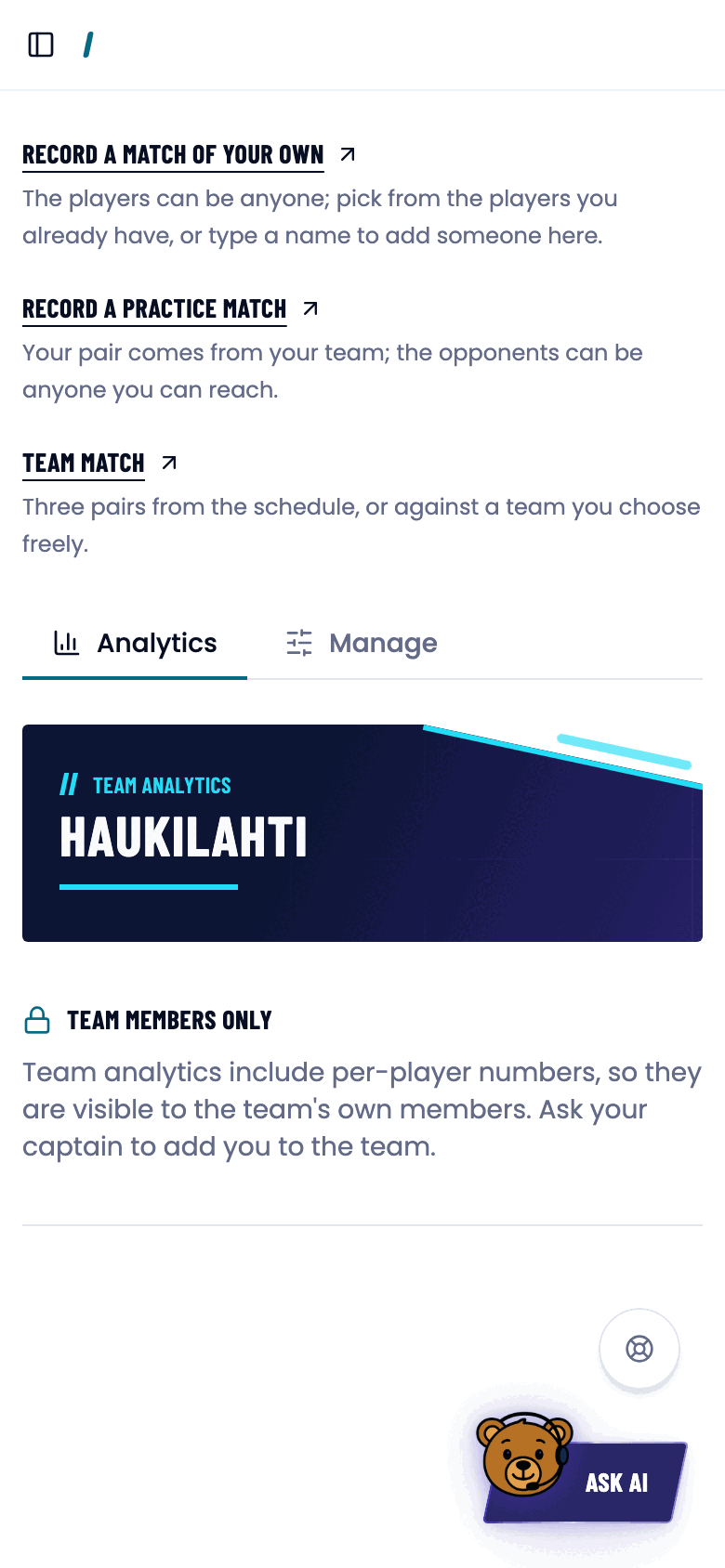
Why can’t I see another team’s matches?
A team’s matches and players are visible to its own members and the club’s admins. Of an opponent you see the matches played against you.
I’m a club admin but the federation dashboard won’t open.
It is for federation admins only.
I’m a federation admin but a club page won’t open.
The app routes you back to the dashboard, where the club-level figures are. Team analytics are a genuine privacy boundary.
Why are some statistics hidden?
The group has fewer than three active players. The figure returns once the group grows.
Who can see my statistics?
You, your teammates, your club’s admins and your own coach in Padlo Coach. Also whoever pays for your licence, and Padlo’s support staff. Not the federation admin.
How do I get captain rights?
Ask your club admin to appoint you.