The league has two pages of your own: Targets and Videos. Both show only your own data.
The short version
Your coach writes the targets, so that page fills itself. On Videos you can upload a clip of your own with Upload clip. An empty page means nothing has been shared with you yet, not that something is broken.
Before you start
Who it is forPlayer
Targets are written by a coach, so an empty page usually means your coach has not shared anything yet.
On a phone the bottom bar fits five entries, so tap More on the right. On a wider screen Targets and Videos sit in the bar directly.
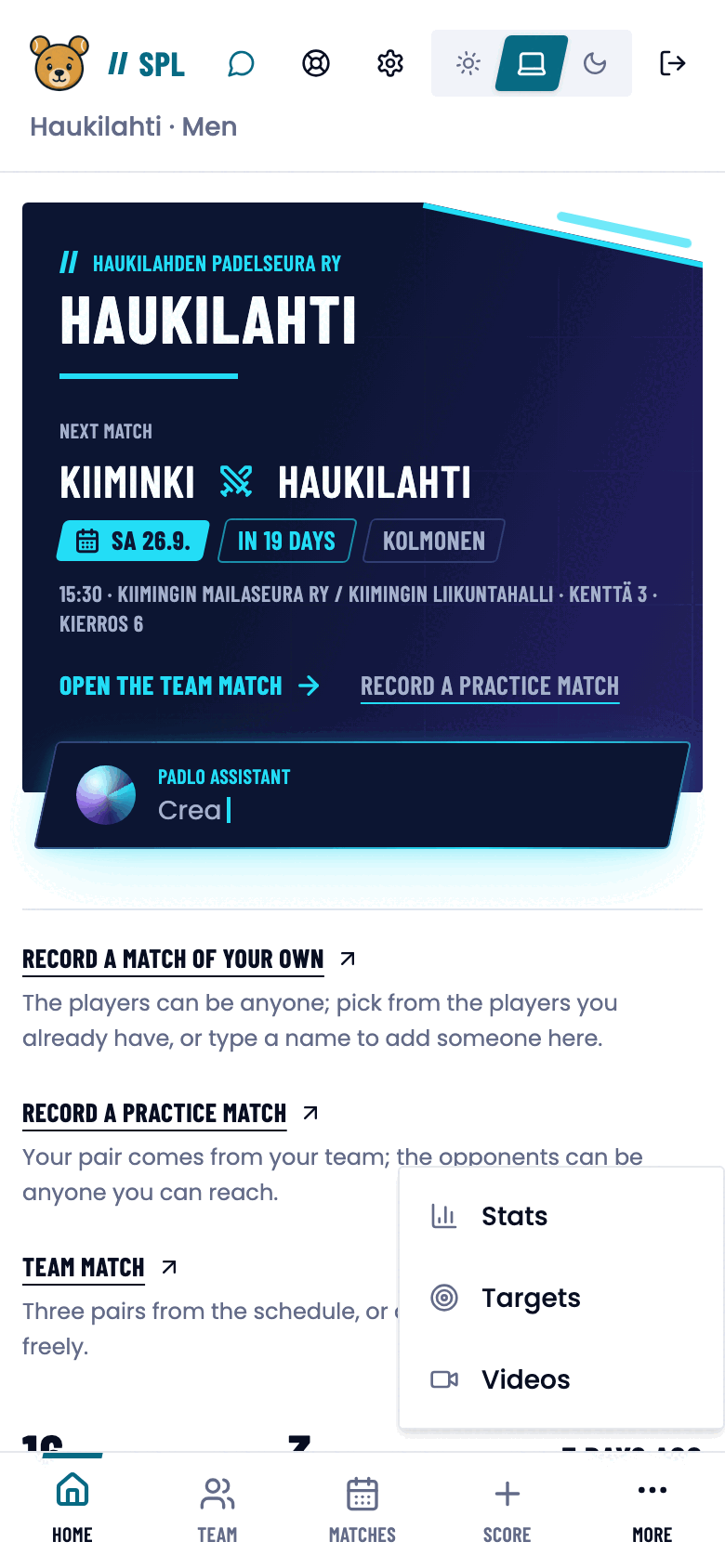
My development targets
The page has two parts:
- What I’m working on: every open target in one list, each naming the note it came from.
- From your coach: the notes in full, with the writer’s name, a date and, where set, a category badge.
The pill beside a note says how many targets are still open. Fully completed notes are collapsed by default but can be opened.
Ticking a target off
Every target has a checkbox. Tap it once you have done the work. A completed target shows struck through, and tapping again returns it to open.
If clips have been filed against a target, the comparison verdict appears below it along with a Show progress button.
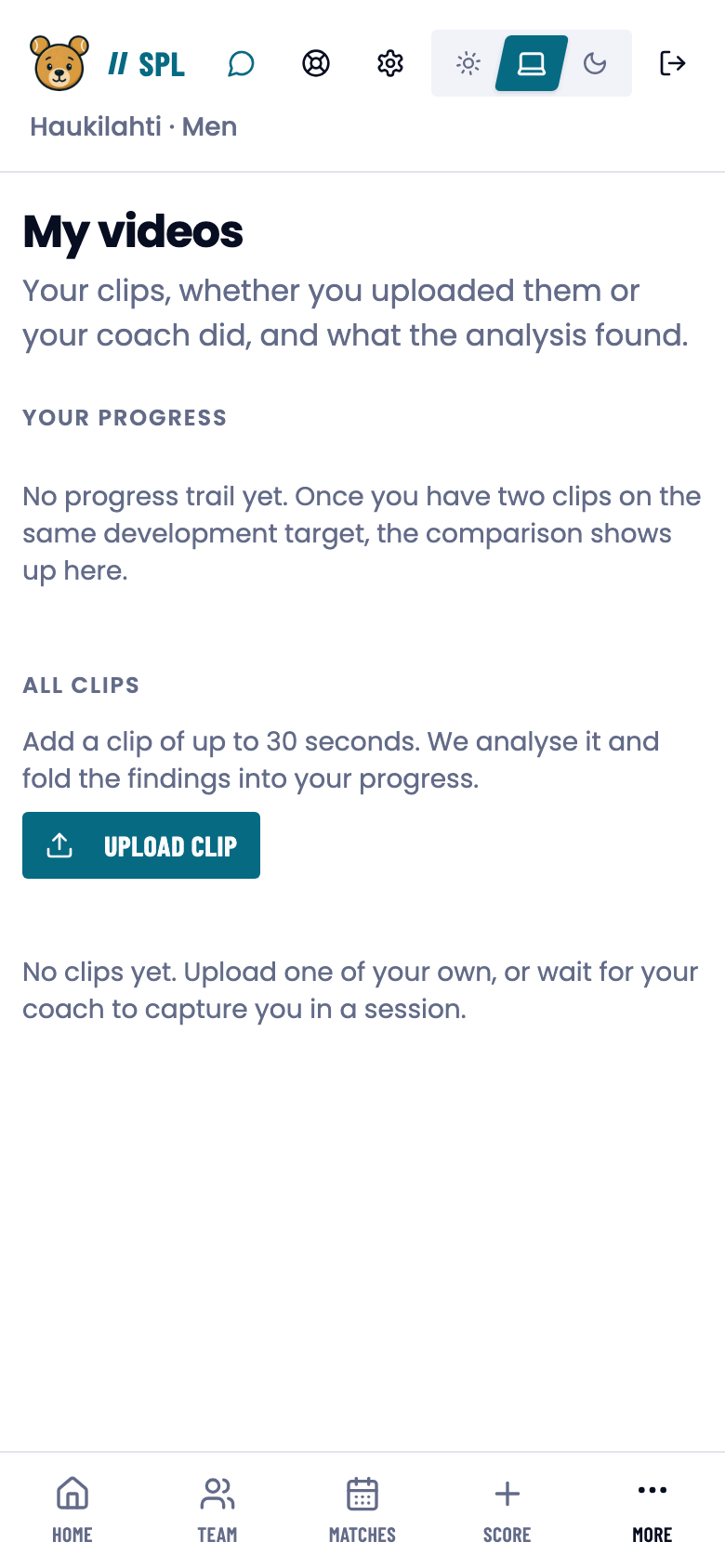
My videos
The page has two sections:
- Your progress: comparisons between clips filed under the same target.
- All clips: your whole library.
Upload your own clip with Upload clip, in the All clips section. A clip may be up to 30 seconds long.
Clip limits and analysis states are the same as on the coach side. See Coaching clips.
When a clip belongs to a match
If you reach the video page from a match finding, a card appears at the top: Record one short clip. Choose first what the clip should help you explore, then which development target to file it under.
Trouble?
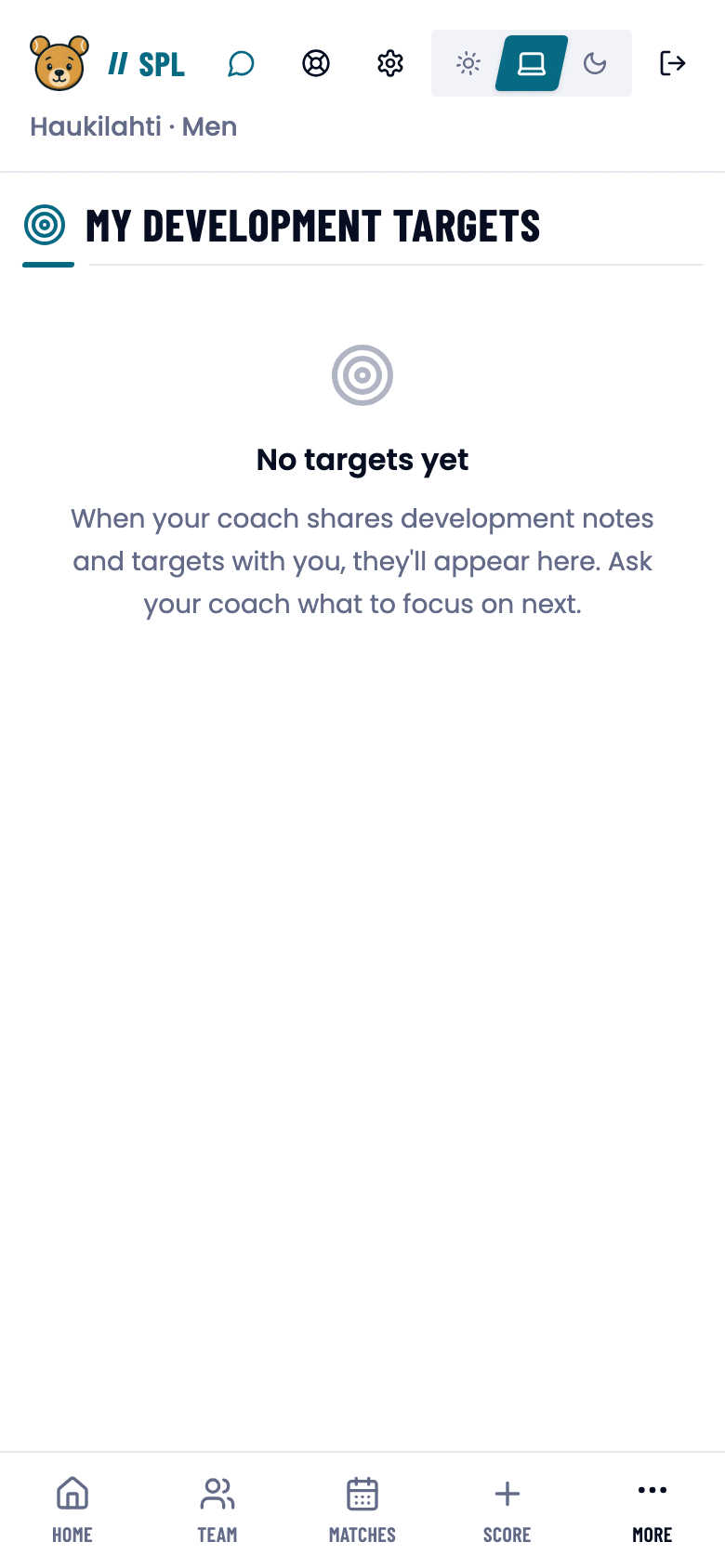
“No targets yet”
Your coach has not shared a note yet. Ask them what to focus on next.
“We couldn’t find your player profile yet. Play a match and it’ll appear here.”
Your account has not been linked to a player record. The link happens once you play a match or once your email address is verified.
The clip list is empty although my coach says they uploaded one.
Reload the page. If it still does not appear, the clip was filed against a different player record than the one your account is linked to.
The tick doesn’t save.
Check the connection and tap again.