Help comes from two places: Help & support sends a message to a person, and the Padlo Assistant answers straight away from the app’s own data. Email to [email protected] always works.
The short version
Press the lifebuoy icon, write what happened and press Send message. The answer comes to your account’s email address. If you see no lifebuoy, write to [email protected] instead.
Before you start
Who it is forPlayerCaptainCoachClub adminFederation admin
The support button is a lifebuoy icon in the league views, in the app header or the bottom-right corner. It appears once your account is on a team or in a club. Both need you signed in, and replies go to your account email.
Sending a support message
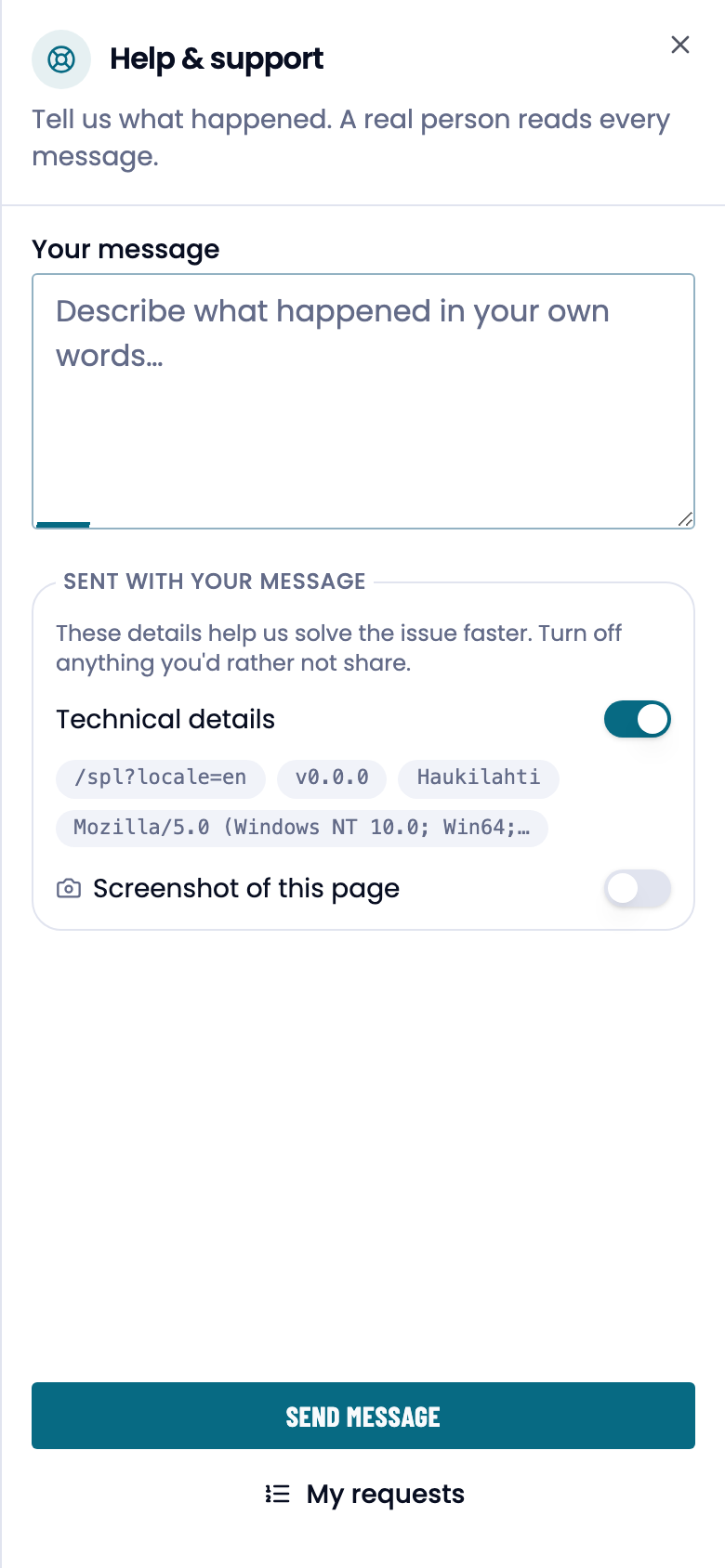
- Open Help & support from the lifebuoy icon.
- Write Your message: what you did, what you expected and what happened.
- Check Sent with your message. Technical details (page, version, club, browser) and the session replay link are on by default, the screenshot off. Turn off any of them.
- Press Send message. You get a Message received confirmation.
My requests
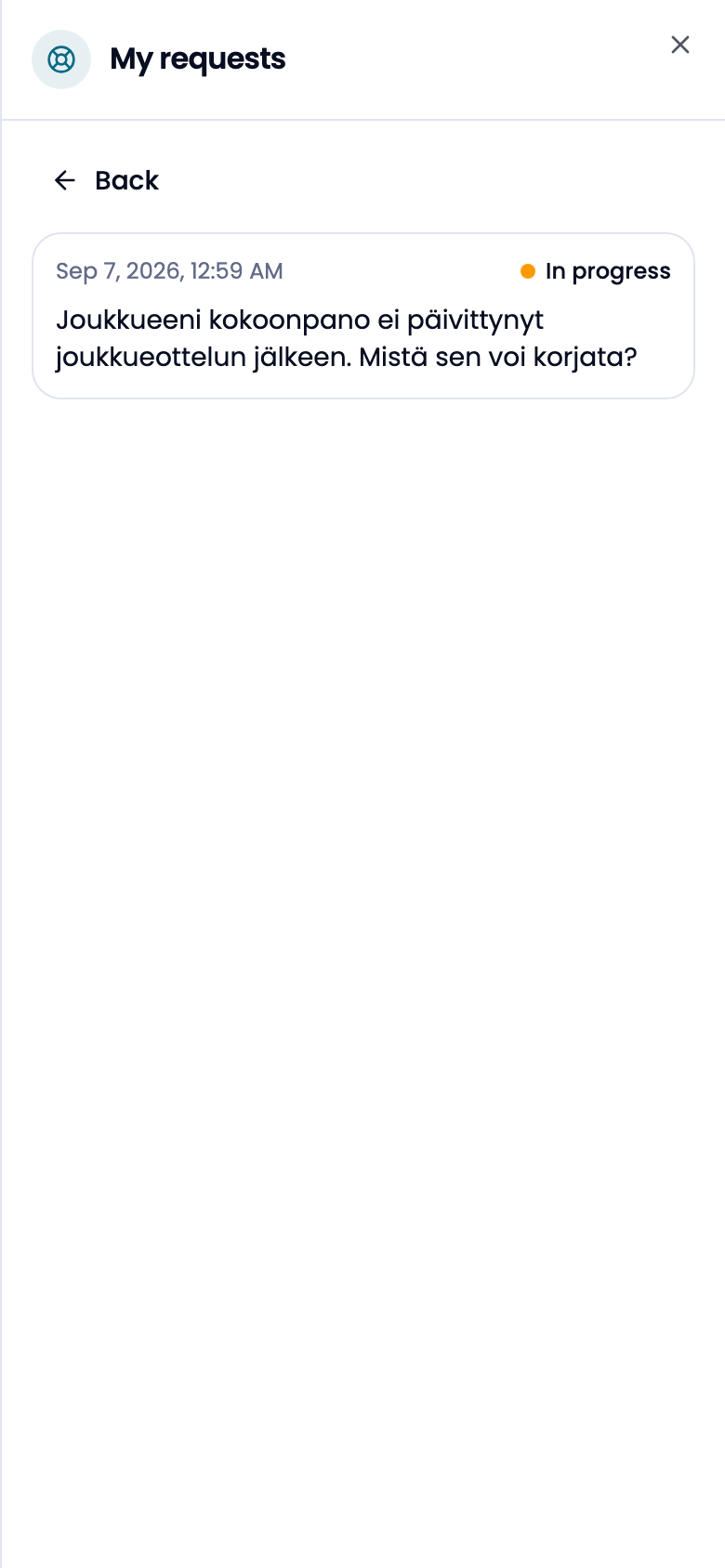
View my requests lists the messages you have sent, newest first. Each has a status.
What each status means
| Status | What it means |
|---|---|
| Open | The message arrived; there is no answer yet. |
| Answered | The answer sits under the message. |
| In progress | It has been handed to a person for a closer look. |
| Closed | The matter is finished. |
By email
If there is no support button, write to [email protected]. Put in the message:
- your account email address
- what you did and what you expected
- which screen you were on
- a screenshot
The answer comes by email to the address you wrote from.
Look here first
| Question | Page |
|---|---|
| A forgotten password, changing your password | Account and sign-in |
| Secondary addresses and verification links | Account and sign-in |
| The interface language | Account and sign-in |
| Scoring mode, point map, visible shot types | Settings |
| A missing analysis tab | Scoring modes |
| Lineups, captains, adding players | Roles and visibility |
You cannot change the primary email address yourself. That is a support matter.
The Padlo Assistant
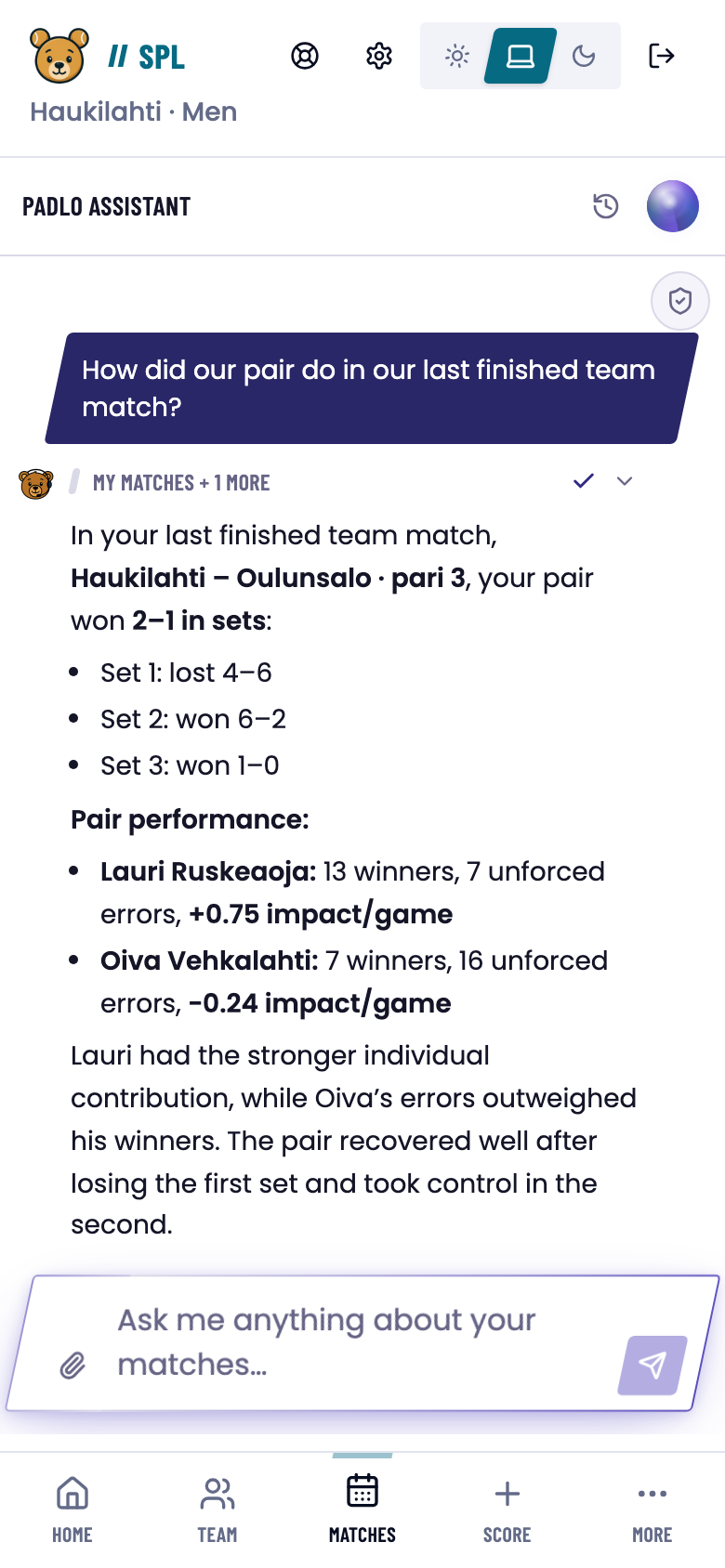
The assistant opens with the Ask AI button, from Agent in the left menu, from the Dashboard command bar or with ⌘K / Ctrl+K. It answers about your matches, your statistics and the app itself.
It can also do things for you. Every action that changes data stops at an approval card:
- Approval required says what the assistant is about to do.
- Approve once runs it this one time.
- Always allow marks the tool as trusted. You can revoke it under Trusted tools.
- Reject cancels the action.
For irreversible actions, such as undoing a point, Always allow is not offered.
Which one?
Trouble?
I can’t see the support button. It belongs to the league views. Write to [email protected] if your account has no team or club.
I got a message about too many requests. Wait a moment and try again.
The screenshot wasn’t attached. You can still send the message. Describe the situation in words and give the address of the page.
The assistant didn’t do anything. An approval card is waiting on you: approve or reject the action and the conversation carries on.
The assistant knows nothing about my match. It only reads the balls that were recorded. A match recorded in simple mode has no shot detail in it.